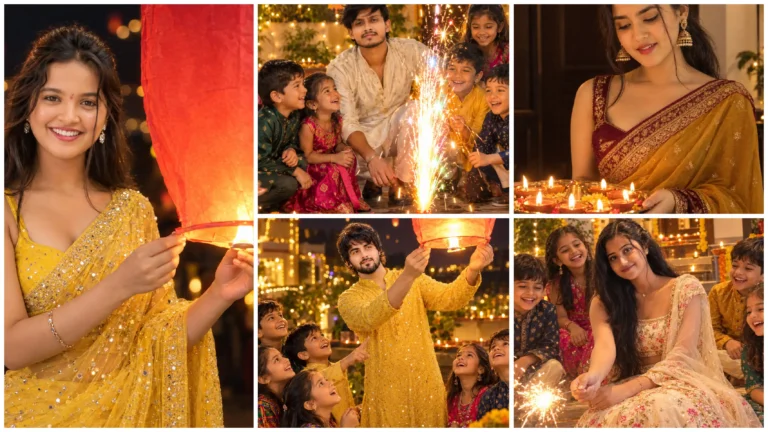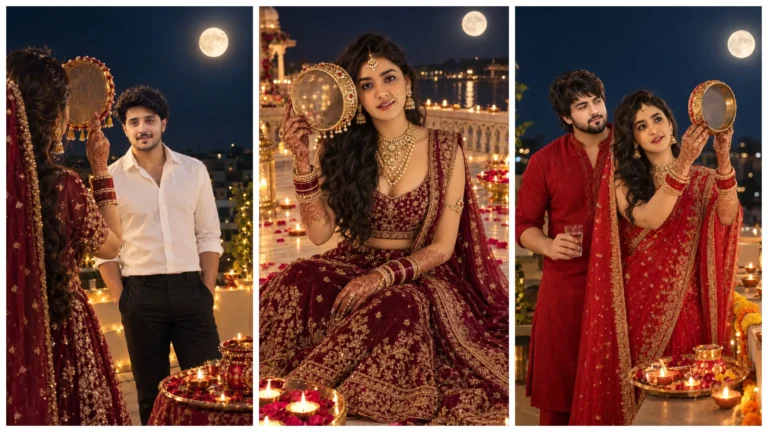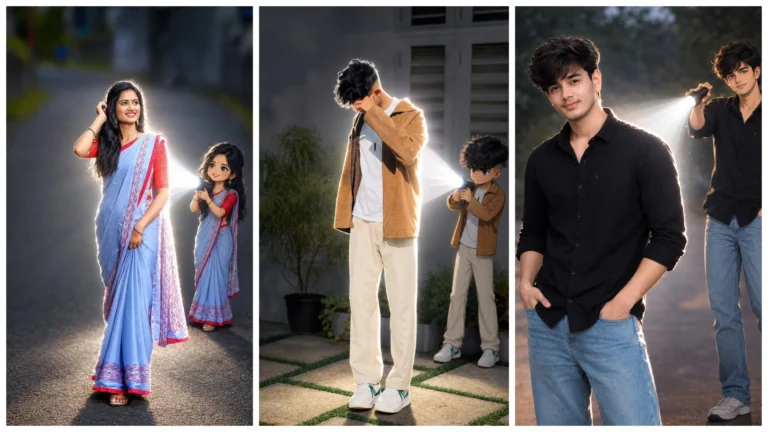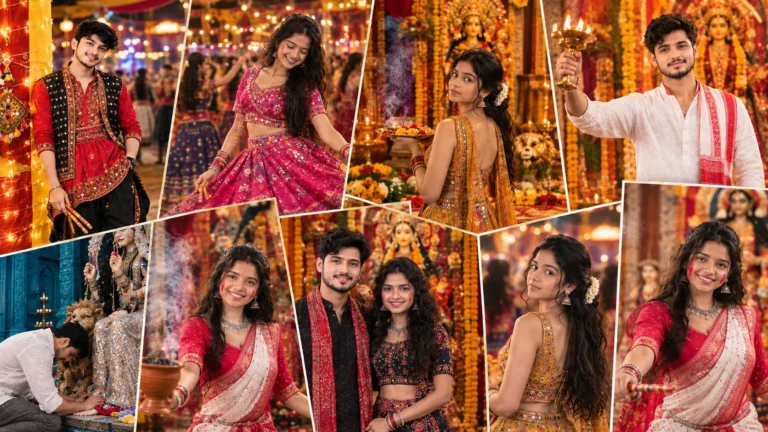
Friends, the time of Navratri has come and people are editing their pictures in a new way and uploading them on their social media. But most people are unable to find the right AI photo editing prompt, due to which they are unable to make trending and attractive pictures.
If you also want to do New Trending Navratri AI photo editing, then this article is only for you. Here I am sharing the top 10 prompt with you, with the help of which you can make the correct pictures of your different style.
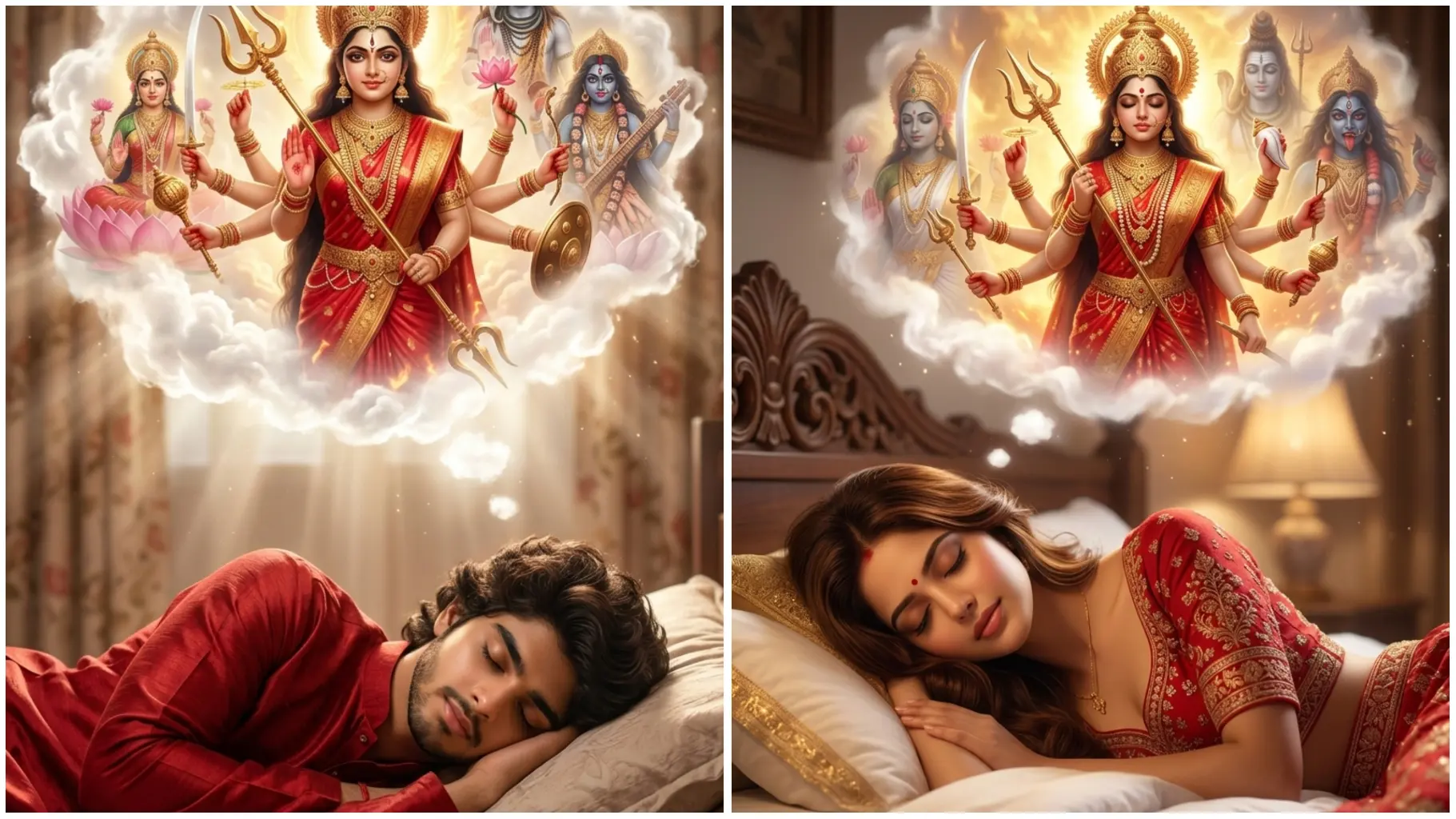
So if you want to make your picture in a new and trending style, use this prompt. Such photos are getting viral on social media right now. And in this indication, your photo looks 100% correct and natural. When you see, you will be surprised by yourself, how is such a great editing possible.
So now see the demo below and start making image using your favorite prompt.
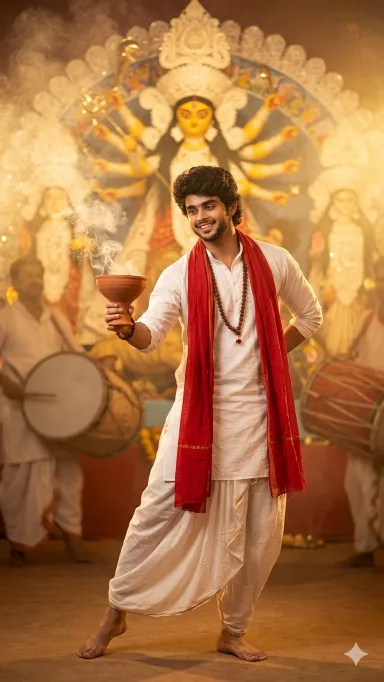
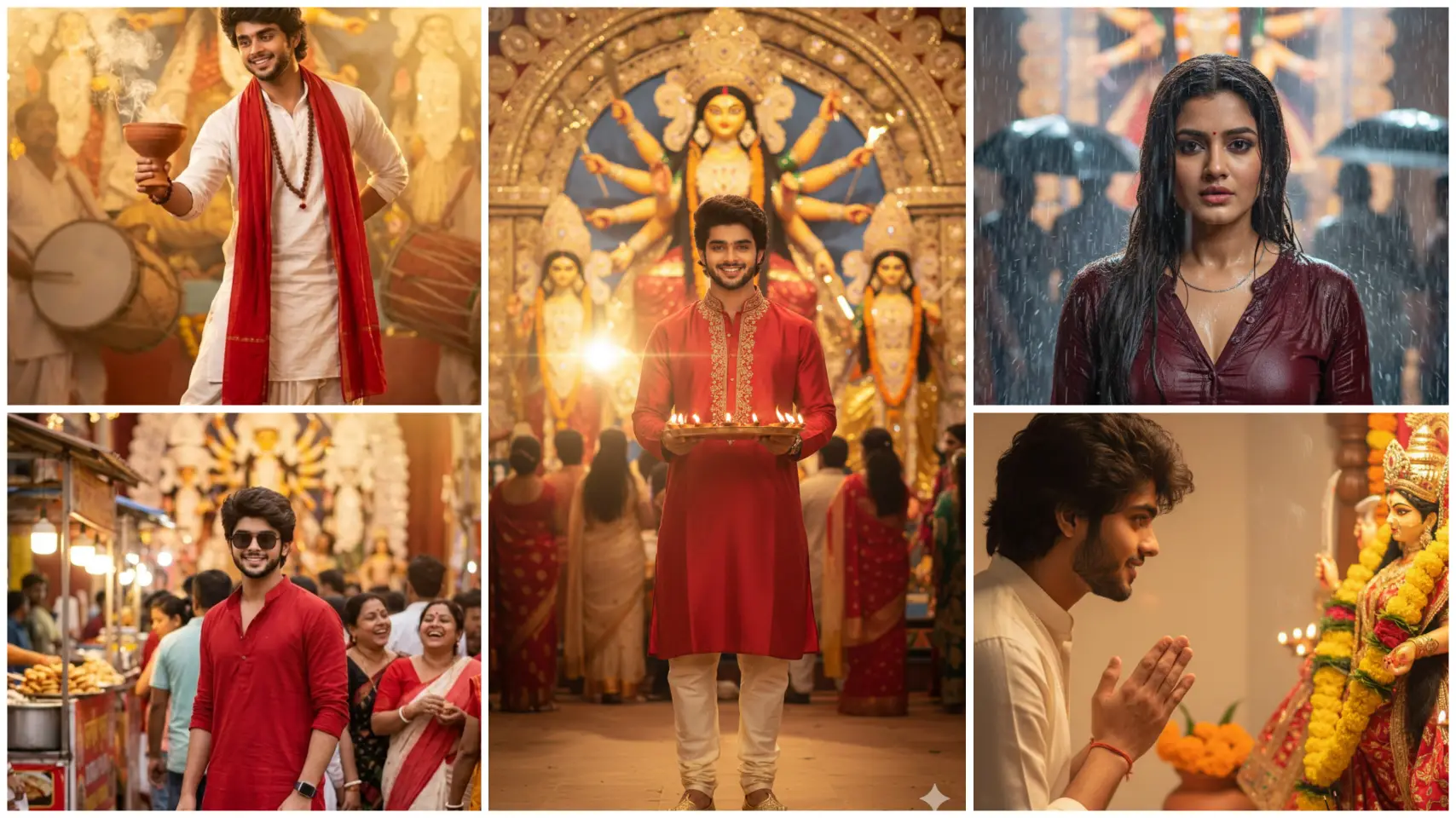
Navratri AI Prompt For Boy
Use the uploaded photo as the face reference and keep the face 100% identical and realistic. Do not change facial features, skin tone, or expression.
Create a cinematic Bollywood Durga Puja scene: the person wearing a simple white dhoti-kurta with red dupatta, rudraksha mala, barefoot, holding a dhunuchi with incense smoke while performing dhunuchi dance.
Background: glowing Maa Durga idol, Durga Puja pandal, dhak drummers softly blurred.
Lighting: warm golden divine light, cinematic smoke, festival atmosphere.
Style: ultra-realistic, DSLR photo look, natural skin tones, sharp focus, 4K, depth of field.
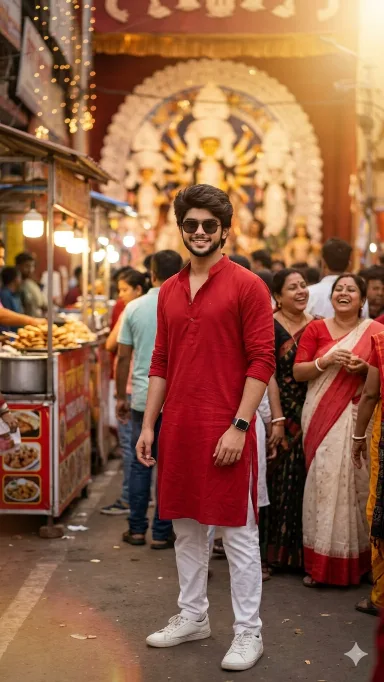
Ram Navami Navratri Mela Ai Photo
Use the uploaded photo as the face reference and keep the face 100% identical and natural. Create a Bollywood-style candid Durga Puja pandal scene. Outfit: red kurta, white pants, white sneakers, sunglasses and smartwatch, trendy Gen-Z hairstyle. Background: crowded Durga Puja pandal street with lights, food stalls and people laughing, slightly blurred. Lighting: warm cinematic street glow with soft lens flare. Style: ultra-realistic DSLR photo, sharp focus on face, natural colors, depth of field, 4K.
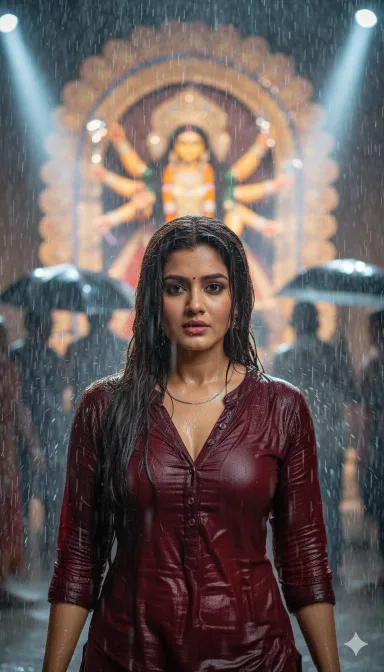
Navratri Ai Prompt For Girl
Use the uploaded photo as strict face reference and keep the face 100% identical (same face structure, skin tone, eyes, nose, lips). Do not modify the face. Create a Bollywood dramatic Puja rain scene: maroon soaked kurta-pajama with open buttons, wet hero hairstyle, silver chain, water dripping. Background: glowing Maa Durga idol in rain, people with umbrellas blurred. Lighting: cinematic rain with spotlight glow. Style: ultra-realistic DSLR, sharp focus on face, 4K.
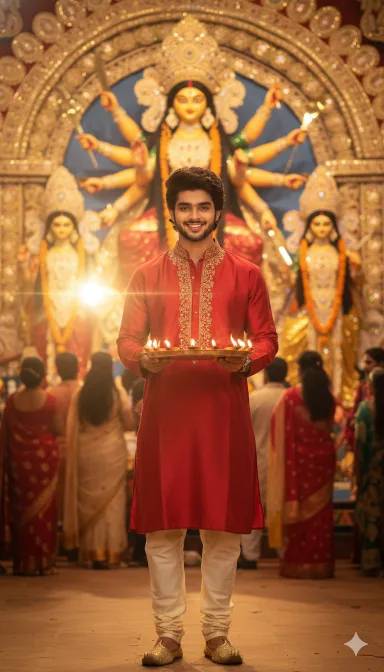
Navratri Arati Ai Photo Editing
Use the uploaded photo as strict face reference and keep the face 100% identical and natural. Create a Bollywood-style Durga Puja reel poster: red kurta with golden embroidery, churidar pants, mojari shoes, cinematic actor hairstyle, holding an aarti thali with diyas. Background: glowing Maa Durga idol, festive pandal crowd slightly blurred. Lighting: warm golden cinematic light with soft lens flare. Style: ultra-realistic DSLR photo, sharp face focus, natural colors, 4K.
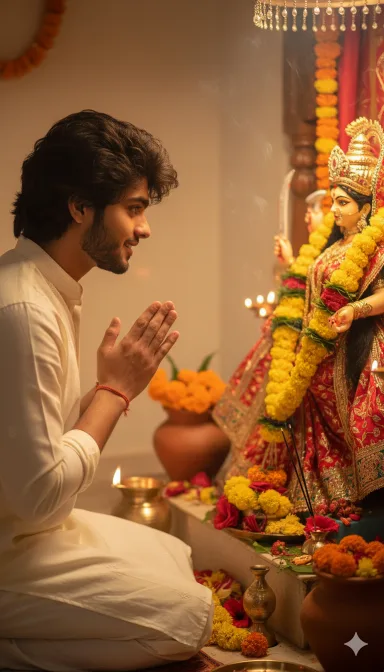
Navratri Photo Editing Prompt
Use the provided face reference exactly without any changes.Keep the same beard, skin tone as in the reference photo.Create a realistic photo of the same person in side-profile, hands folded, receiving blessings from a decorated idol of Durga Mata with flowers and garlands. The surrounding area should have flowers and warm lighting. Do not alter or stylize the face.
How To Create Images Using Google Gemini?
It is very easy to create an image in Google Gemini, you can make your image in a few clicks by reading the step given below.
- First of all, choose your favorite Prompt from this website and copy.
- Now open Google Gemini in mobile app or browser and Sign In with your Gmail.
- Now click on the below (+) button and upload your photo (Photo should be clean and clear photo).
- Then paste the Prompt in the text box and send it.
- Now you have to wait for some time and your image will be created, after making the image you can download it.
Conclusion
It is very easy and quick to make images from Google Gemini. By uploading your photos in it, you can create a great image in a few seconds. It saves time as well as enhances creativity.