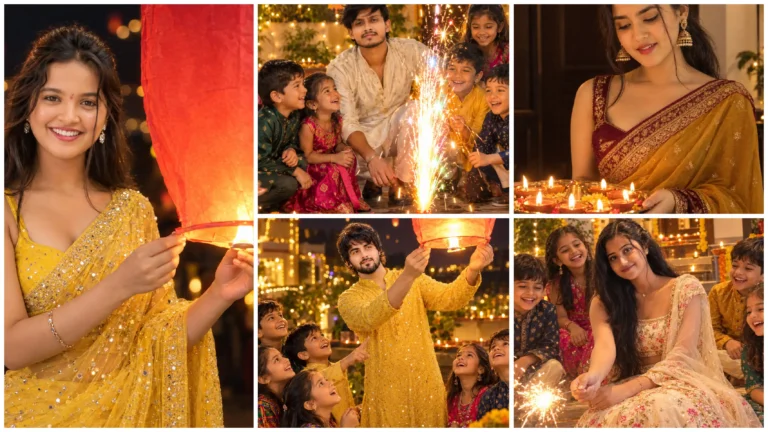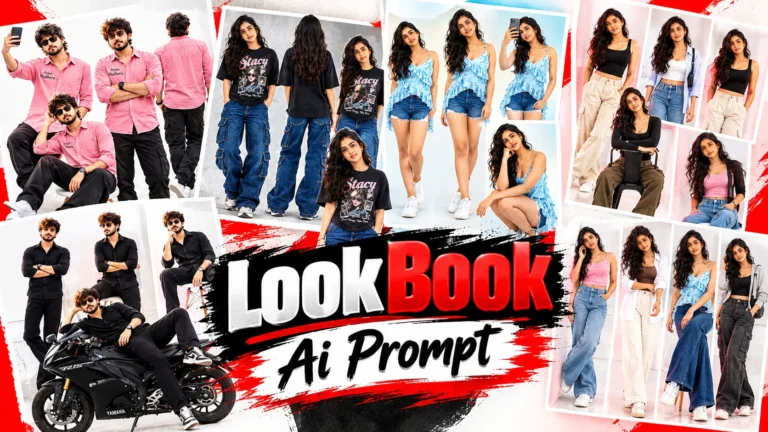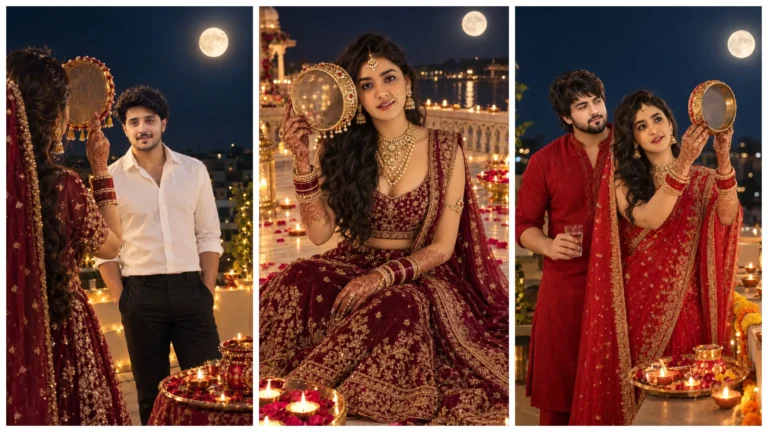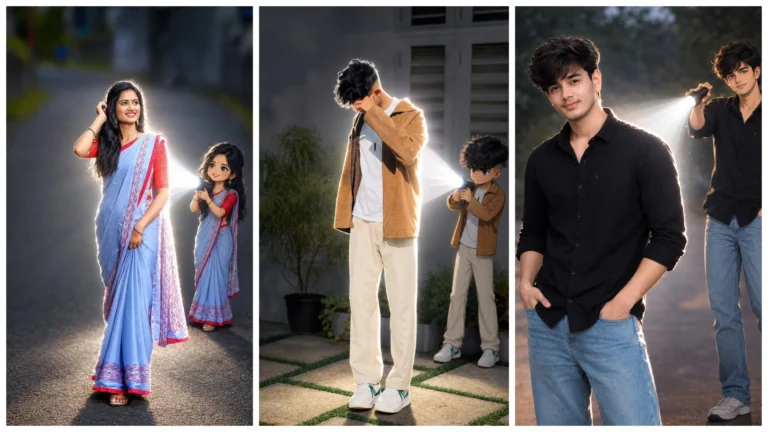
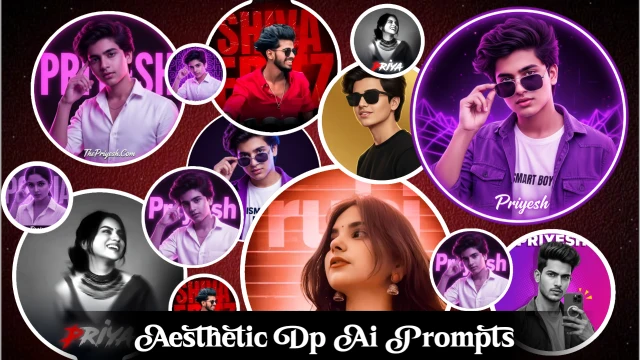
Nowadays Instagram DP or DP of any social media account is no longer just a profile photo. Rather, it has become a brand, and a distinct identity for those who have a professional DP or a unique DP. People are creating different types of Aesthetic DP and uploading it on Instagram.
And today we are going to talk about this DP and also give you great prompts, using which you can create different types of wonderful and aesthetic DP for yourself or any of your friends in just one click.
Details Of Trending Aesthetic Dp Ai Photo Editing Prompts
Friends, if you want to make a wonderful and attractive DP, then you have to keep four important things in mind. Which includes correct lighting, background, face enhancement and color grading – if you keep all these tips in mind, you can turn your ordinary photo into a high-quality professional DP.
1 – Use of neon lighting
You must have seen that in the stylish DPs which are trending or most viral on social media, neon lighting effect has been used in a great way. In this, the rim light has also been installed at the right angle, which brings a slight glow on the sides of the face, which makes the photo even more professional.
2 – Background Blur
Friends, background plays a big role in professional DP. The background should be blurry — like the night lights of a city or a luxury studio setup.If you use plain or simple background, your DP will look simple and ordinary.
3 – Face Enhancement Is Very Important
Friends, if you want to make a good DP then it is very important for you to enhance your face in the right way. In which the skin tone is smooth, the face is clean and the face is balanced with lighting. – Only then the DP will look great. Face enhancement is already included in our given prompt, in which you can do face enhancement in just one click.
4 – Perfect Color Grading
Color correction is very important. There should be correct color setup between the background and the photo.If correct color grading is done then your photo will look cinematic and premium.

Aesthetic Dp Blue Color
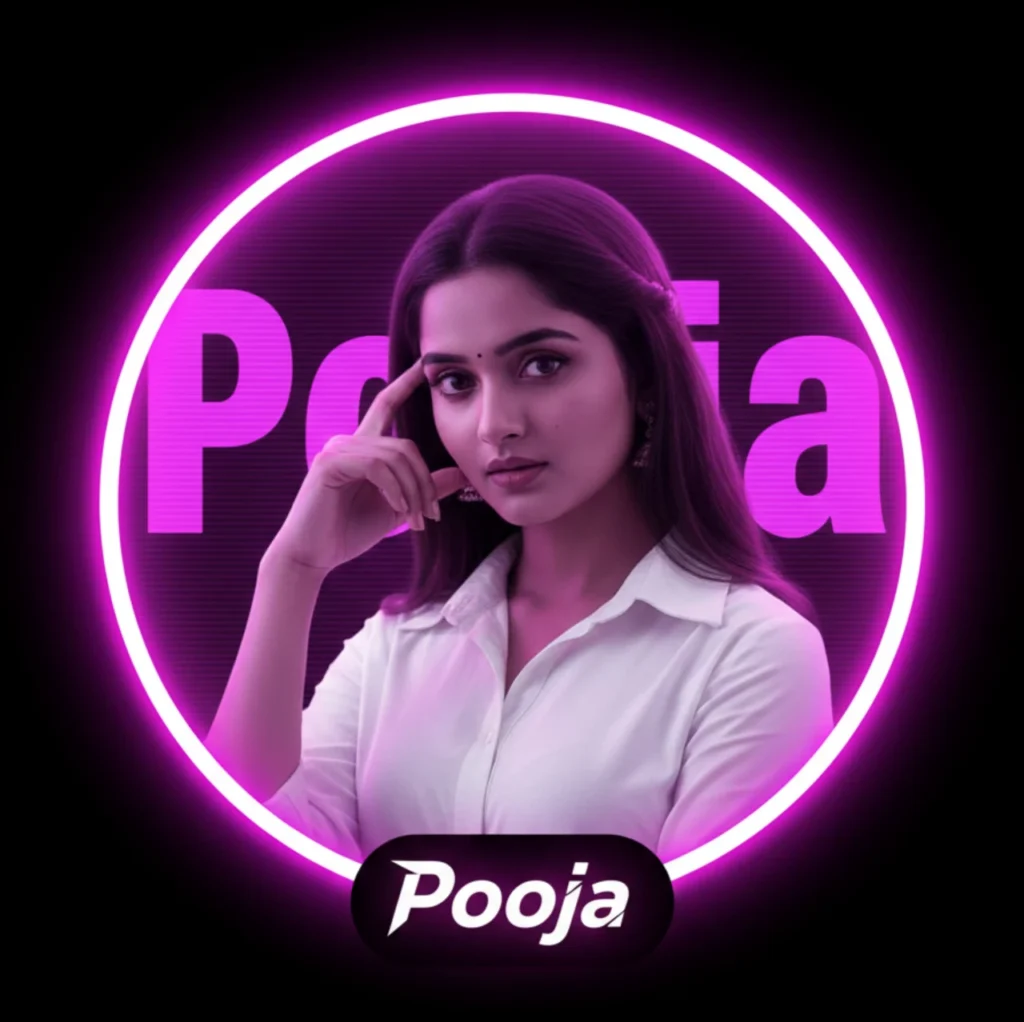
“A circular profile picture design featuring Indian young boy. He is wearing a crisp white button-down shirt and looking intensely at the camera with a serious expression, his right hand raised with fingers touching his temple. The image has a strong monochromatic purple and neon magenta aesthetic. The background features large, translucent block text reading ‘Priyesh’ and a horizontal CRT scanline texture overlay. At the bottom, there is sharp, stylized white text that reads ‘Priyesh’. High contrast, digital fan art style, glowing neon lighting.”
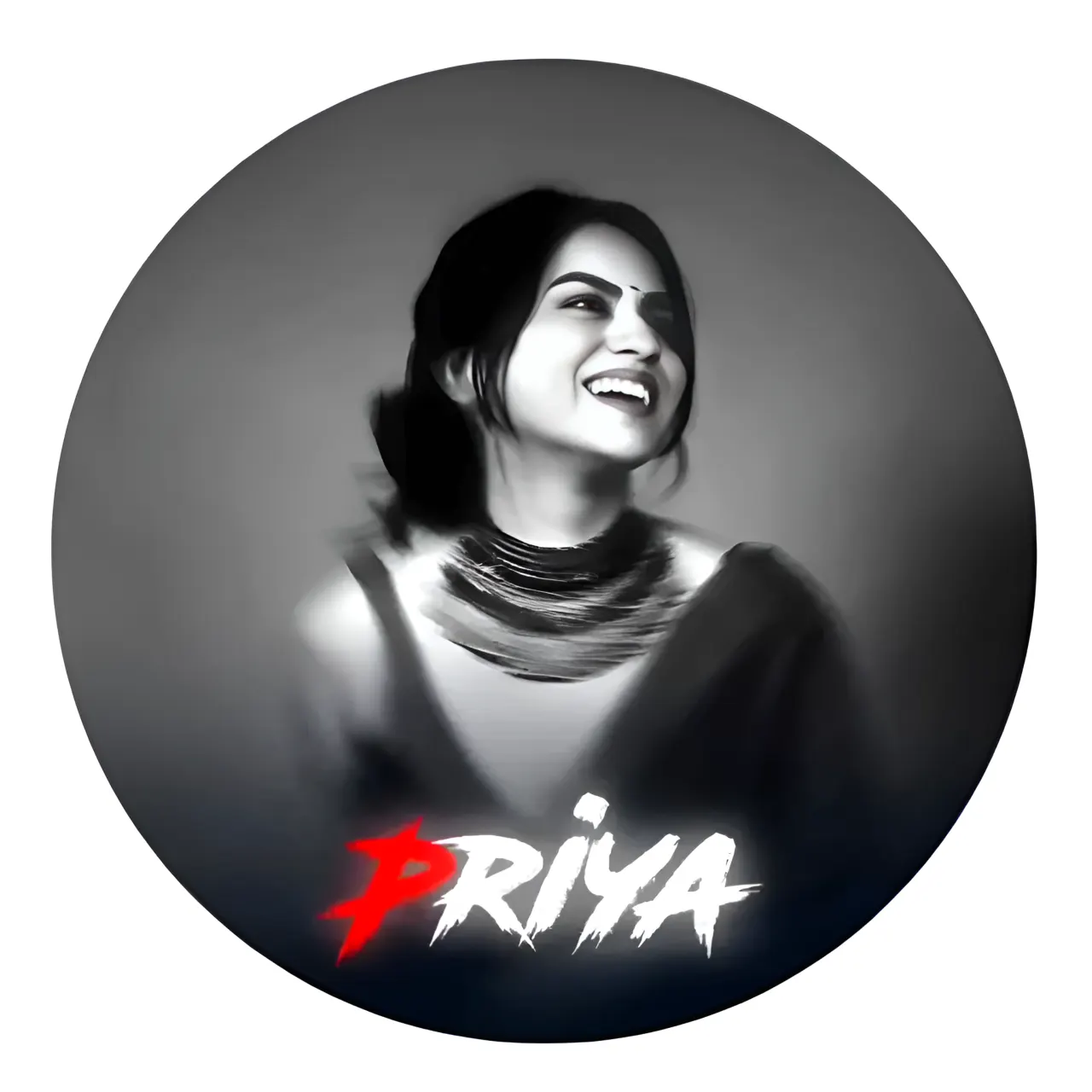
Aesthetic Dp With Name
Upload a clear smiling photo of a person (male or female). Apply a black-and-white soft blur portrait effect with cinematic lighting. Retain the original face and clothing, matching the grayscale style. Add a circular white glowing frame around the image. At the bottom, write the name “[YourName]” in bold horror-style font — the first letter in bright red and the rest in white. Use a 1:1 ratio and dark blurred edges for a dramatic effect.
Viral Dp Ai Prompt For Girl
“A circular profile picture design featuring an Indian young girl. She is wearing a crisp white button-down shirt and looking intensely at the camera with a confident, serious expression. Her right hand is raised with fingers gently touching her temple in a stylish pose. The entire composition is perfectly centered inside a circular frame.
Instagram Viral Dp
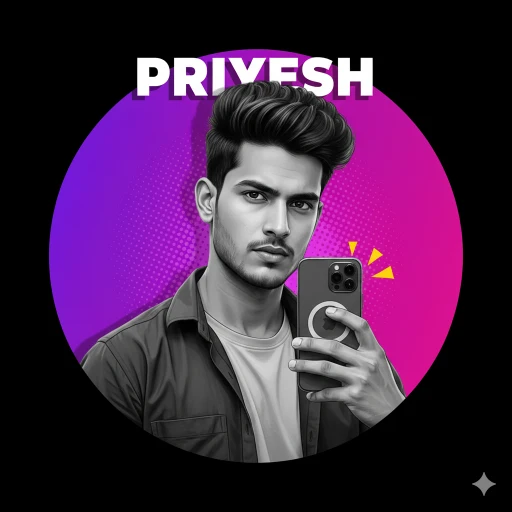
Ultra-detailed, photorealistic graphic-style portrait of a young man captured in a half-body smartphone selfie pose, sharp jawline, well-groomed styled hair, serious confident expression, wearing a casual button-down shirt and holding a clearly visible modern triple-camera smartphone; the subject must remain completely monochrome (pure black & white with realistic skin texture, natural contrast and professional studio lighting), while the background is colorful and updated to a vibrant neon purple to magenta gradient circular backdrop with a soft glow effect and subtle halftone comic-style dot texture for depth; at the top of the circle, bold white uppercase text “PRIYESH” should slightly overlap the head for a layered effect; add small yellow comic-style alert triangles near the phone for a dynamic pop-art accent; ensure a clean precise cut-out with soft natural shadow for depth, ultra-sharp focus and high detail; composition optimized for 1:1 square ratio profile picture, perfectly centered inside a circular frame, with the area outside the circle completely solid black; style: realistic image, modern social media DP aesthetic, crisp details; avoid blur, low resolution, extra fingers, distorted hands, bad anatomy, watermark, spelling mistakes, unwanted text artifacts.
Some Important Things
Always keep one thing in mind while making photos, always choose a good quality photo and take a close-up shot, and once more if only half of your face and shoulder is visible in the close-up shot, then do not try to smooth it by editing it. Smoothing will happen automatically while generating the photo. And your photo will be perfect.
How To Make Dr. Bhim Rao Ambedar By Copy Pasting Prompt In Chatgpt?
Friends, Aesthetic DP can be created very easily by using AI prompt in Google Gemini. If you also want to make one, then see the steps given below carefully and start making your Aesthetic DP.
- So first of all, copy your favorite prompt from the prompt given above and click on the button “Create Image With ChatGPT”
- Now ChatGPT will open in your phone, sign in with your Gmail.
- Now click on the (+) icon given below and select one of your photos.
- Now paste the prompt in the text box below and send it, now your Aesthetic DP will be created in a few seconds and then you can download it.
Conclusion
Friends, I think the information about creating Aesthetic DP will be enough for you and you will be able to create it easily now. We have also given you prompts to create different types of Aesthetic DP. If you are facing any problem here then you can ask us.