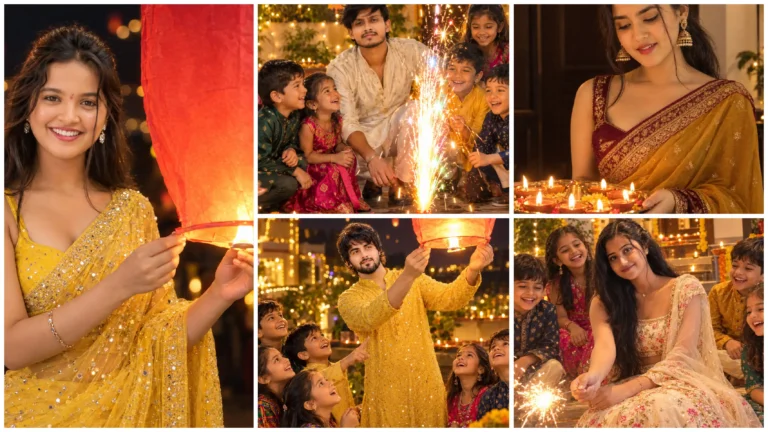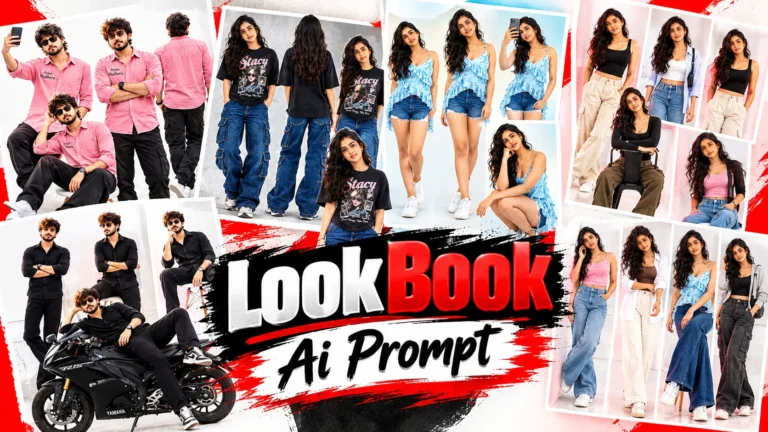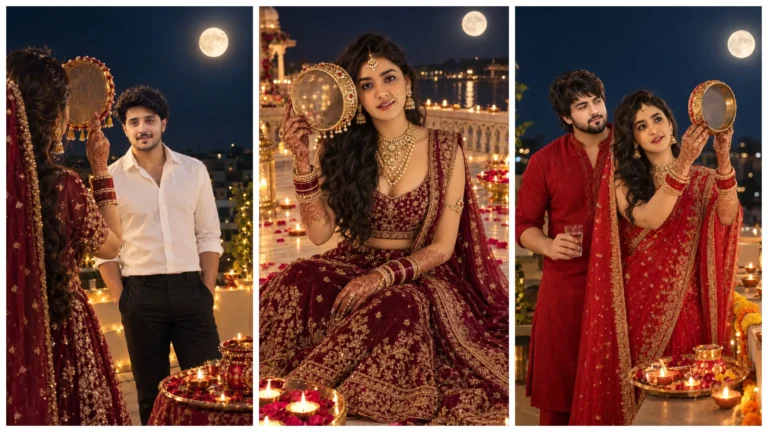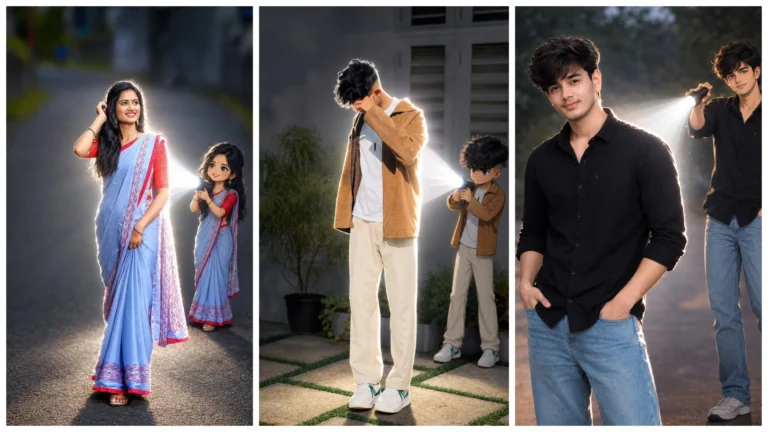
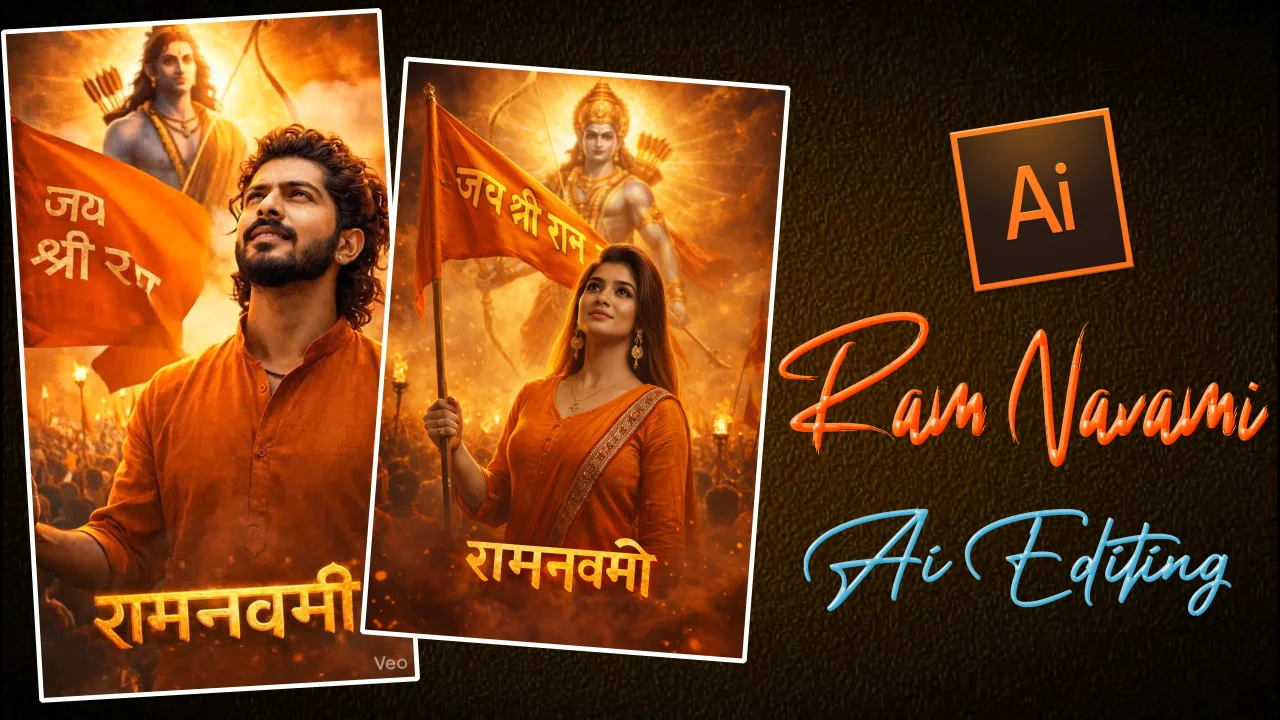
Nowadays, along with Ram Navami ai photo editing, ai video editing is also going viral very fast on social media platforms. As Ram Navami is approaching, people are creating custom banners, posters and amazing videos using their simple photos. This trend has become quite popular on social media like Instagram, Facebook and YouTube Shorts.
If you also want to give your ordinary photo a wonderful devotional look by making it Ram Navami AI photo on the special occasion of Ram Navami 2026, then you can easily create a professional design with the help of AI tools and creative prompts.
Friends, Ram Navami AI photo is trending rapidly on social media today. On this special occasion, many people are making attractive posters and banners by giving their ordinary photos a wonderful look. With the help of AI tools, atmosphere like Ram temple, Jai Shri Ram text, devotion can be added very easily. This trend is going viral very fast on Instagram and Facebook. With Ram Navami AI photo editing you can make your profile festive and eye-catching.
Ram Navami Ai Photo Prompt
Ram Navami Ai Photo Editing Prompt
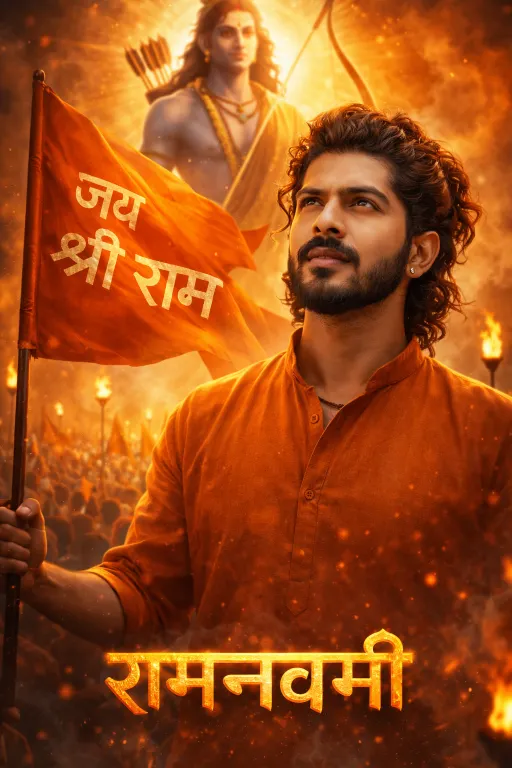
Create an ultra-realistic 8K cinematic devotional poster using the uploaded image as strict face reference.
FACE LOCK — REAL HUMAN IDENTITY (CRITICAL):
Use the uploaded face as exact identity with 100% likeness. Do not change any facial features: eyes, eyebrows, nose, lips, teeth, beard, hair, skin tone, or expression. Preserve real skin texture, pores, and natural imperfections. No beautification, no smoothing, no AI face change.FACE BLENDING:
Seamlessly blend the exact same face into a new body and scene. Face must look like a real DSLR photograph, perfectly natural and realistic. No distortion, no mismatch.BODY & POSE:
Same person wearing a saffron/orange kurta, standing in a heroic devotional pose, holding a भगवा flag with bold and clear text “जय श्री राम”. Looking slightly upward with pride and devotion.BACKGROUND:
A massive divine glowing form of Lord Rama behind him with bow and arrows (धनुष-बाण), strong golden aura, god rays, and spiritual glow. Background filled with saffron smoke, fire torches, and a large crowd of devotees waving flags. Use depth of field (sharp subject, blurred crowd).TEXT (STRICT CONTROL):
Add bottom-center Hindi text EXACTLY: “रामनवमी”. Ensure correct spelling, no distortion, no extra characters. Style: bold cinematic, fiery golden/orange glow, 3D embossed, slight smoke effect.LIGHTING:
High-contrast cinematic lighting, orange and golden color grading, volumetric fog, rim lighting, glowing particles.DETAILS:
Ultra-detailed cloth folds, realistic flag movement, atmospheric haze, professional composition.MOOD:
Epic, powerful, devotional, emotional festival vibe.QUALITY:
8K resolution, HDR, ultra-realistic, DSLR-quality, extremely sharp, no blur, no artifacts.ASPECT RATIO:
9:16 verticalNEGATIVE PROMPT:
cartoon, anime, painting, fake face, identity change, extra face, duplicate face, blur, low quality, distorted text, wrong spelling, over-smooth skin, unrealistic lighting, bad anatomy
How To Create Ram Navami Ai Photo By Copy Pasting Prompt In Google Gemini?
Friends, making Ram Navami Ai photo is very easy, you can make your AI photo by following the steps given below carefully.
- Copy prompt first.
- Tap on “Create Your Image With Chatgpt”
- Upload your photo.
- Paste the prompt and send.
- Your image will be created in a few seconds and then save it.
Ram Navami Video Prompt
Friends, along with Ram Navami AI photo editing, the video is also going viral very fast. People are going viral by converting their photos into cinematic devotional videos and uploading them on Instagram Reels and YouTube Shorts. In such videos, with the help of AI, backgrounds like devotional song, saffron color flag, Shri Ram temple are included. This can be easily created with the help of AI video tools.
Ram Navami Ai Video Editing Prompt
Ultra-realistic cinematic devotional video, 8K HDR, vertical 9:16.
Use the uploaded face as strict identity reference. Maintain 100% facial likeness, no changes in facial features, skin texture, beard, or expression. Face must look like real DSLR footage.
SCENE:
A young Indian man in saffron/orange kurta standing in a powerful devotional pose, holding a भगवा flag with bold text “जय श्री राम”.MOTION:
- The flag gently waving in the wind (natural cloth physics, slow-motion flutter)
- Subtle camera push-in (slow cinematic zoom)
- Slight upward head movement with proud devotional expression
- Hair slightly moving with wind
- Floating glowing particles (embers, dust) moving slowly in air
BACKGROUND:
A massive divine form of Lord Shri Ram behind him, clearly visible and sharp (not blurred), holding bow and arrow.
Golden aura radiating behind Lord Ram with soft god rays.
Large crowd of devotees in background, slightly blurred, waving flags.ATMOSPHERE:
- Saffron smoke slowly drifting
- Fire torches flickering dynamically
- Warm golden-orange lighting with volumetric fog
- Spiritual glowing particles floating
LIGHTING:
High-contrast cinematic lighting, strong rim light on subject, warm highlights, soft shadows.TEXT:
Keep “रामनवमी” glowing at bottom center (stable, not flickering).MOOD:
Epic, emotional, powerful bhakti atmosphere.CAMERA:
- Slow dolly-in movement
- Depth of field: subject sharp, background slightly blurred
- Slight cinematic shake for realism
QUALITY:
Ultra-realistic, no cartoon look, no blur, no distortion, no extra faces.NEGATIVE:
no fake face, no identity change, no blur, no jitter, no text distortion, no overexposed glow
How To Create Ram Navami Ai Video By Copy Pasting Prompt In Google Gemini?
With the help of ai photo prompt, videos can be created in just a few clicks. You can make it very easily by following the steps given below.
- First copy the prompt.
- Tap on “Create Your Video With Flow Ai” button.
- Tap on “New project”.
- Tap on (+) icon to upload AI generated photo.
- Tap the photo and tap “animate”.
- Paste the prompt tap generate.
- The image will be created in a few seconds and then save it.