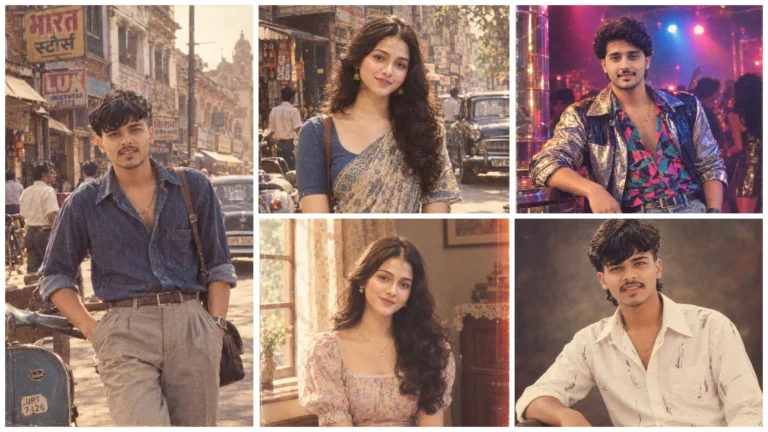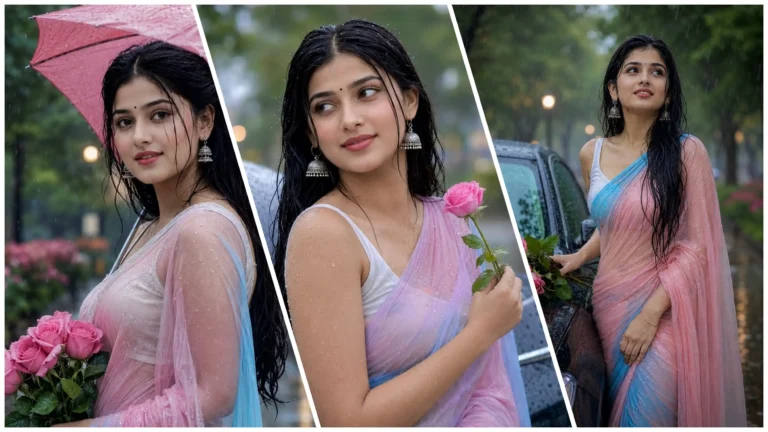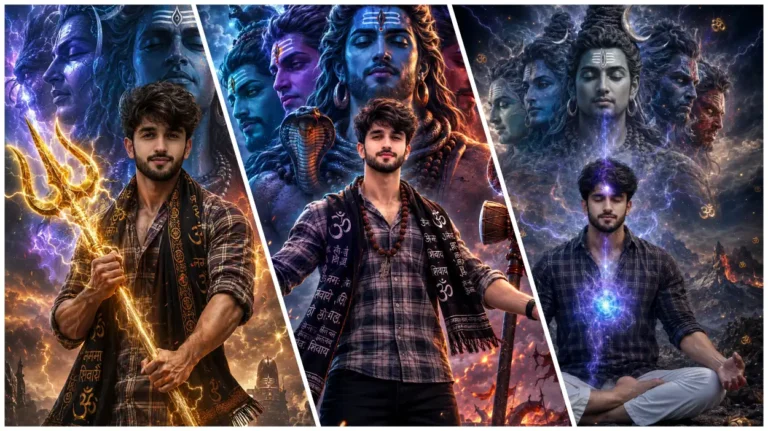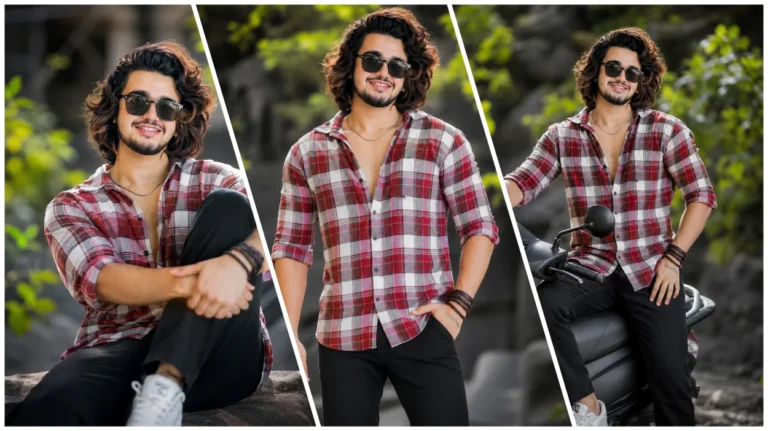
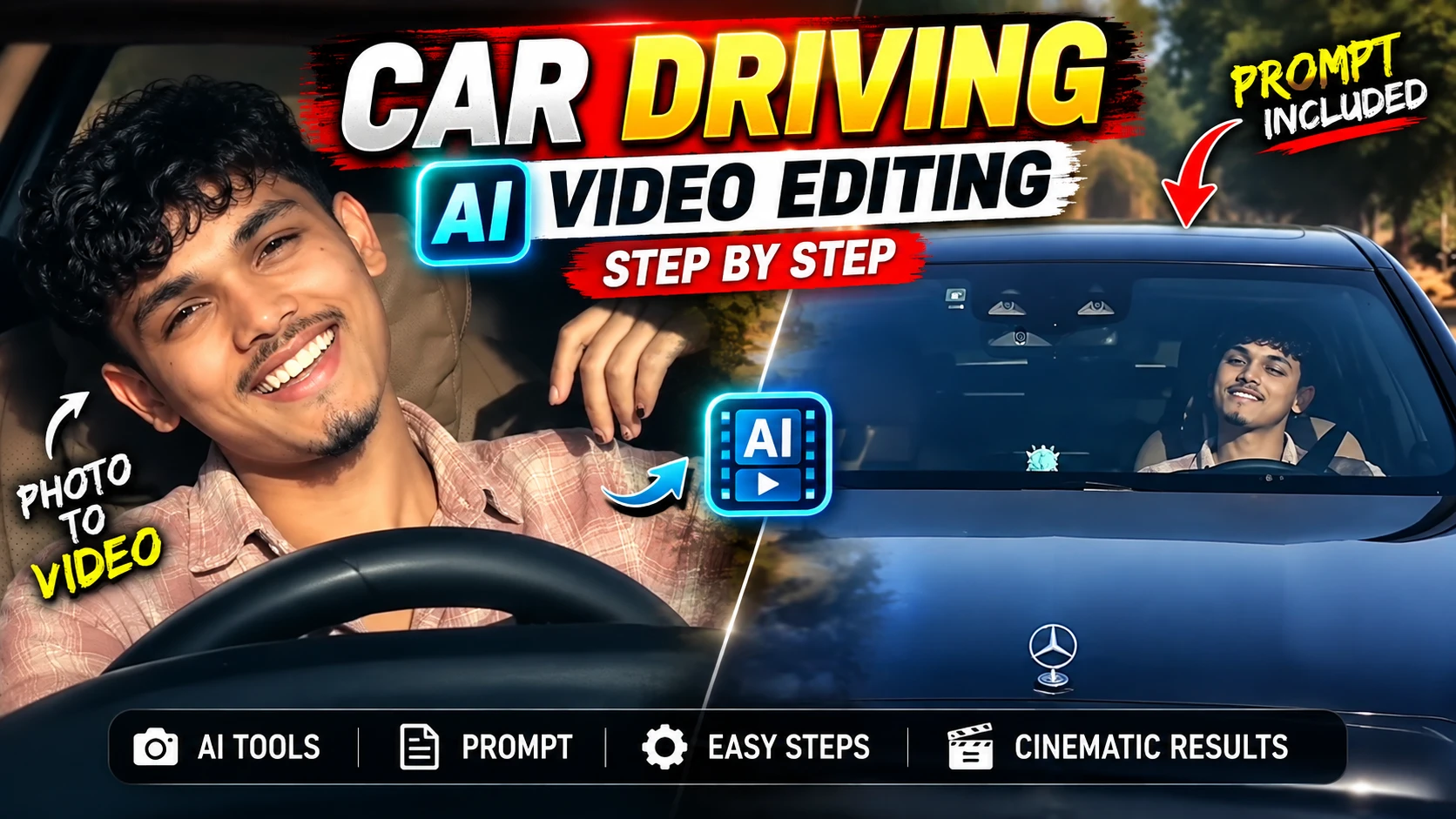
Aaj ke samay mein creative AI tools ka upyog karke photo ko video mein badla ja sakta hai. Car driving AI video bhi yesa hi ek video hai, is video mein photo ko car driving scene mein badal diya jata hai. Is video mein road, car, camera movement, background jaise elements ko prompt ka upyog karke ai tool ko bataya jata hai.
Agar aap bhi apni kisi bhi photo ka upyog karke car driving creative AI video banana chahte hain, to aap image to video wala ai tool choose kar sakte hain. Is post mein hum log step-by-step dekhenge ki ai prompt ka upyog karke car driving AI creative video kaise banaya ja sakta hai.
Car Driving AI Video Editing Kya Hai?
Car Driving AI Video Editing mein AI tools ka upyog karke kisi ladke ya ladki ke ek photo ko car driving theme wale video mein badal diya jata hai. Is video mein person ko car ke andar driving karte hue aur song ke lyrics ko gaate huye dikhaya ja sakta hai. Is video ko banane ke liye jo prompt use hoga usme car, road, background, location, camera movement, lighting aur driving scene se judi details add kiya jata hai.
Ai se video banane ke liye prompt mein different camera movements aur effects bhi jode ja sakte hain. Final result prompt, reference photo aur ai tool par depend karta hai.
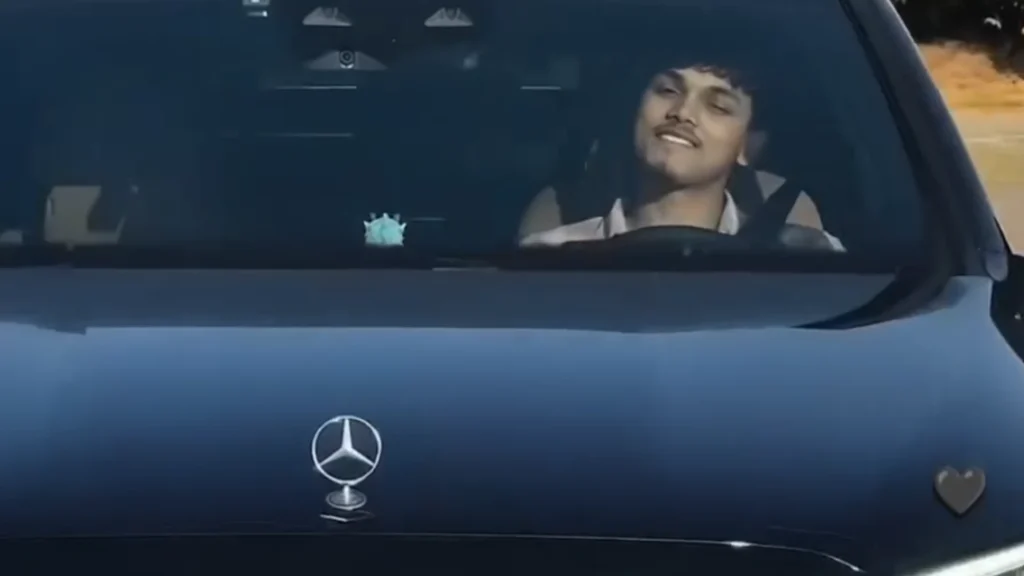
Reference Video
Car Driving Video Edit Karne Ke Liye Kya Chahiye?
Car driving ai video banane ya edit karne ke liye aapke paas ek reference photo, suitable prompt aur compatible AI video tool honi chahiye.Agar aap apni photo upyog kar rahe hai, to photo mein face clear dikha upyogi sabit ho sakta hai. Clear aur sahi reference photo upyog karne se AI tool ko better photo banane mein madad mil sakti hai.
Car Driving Ai Video Prompt
Create a highly realistic 10-second cinematic video using the reference image/person as the exact identity reference.
IMPORTANT:
Preserve the person’s exact face, facial structure, skin tone, hairstyle, body proportions, outfit, and overall appearance throughout the entire video.
Do not change identity.
Use realistic human body-motion tracking and natural facial movement.
Maintain temporal consistency from frame to frame.CAMERA / SCENE:
A young man is sitting naturally in the driver’s seat of a black luxury Mercedes sedan at night.
Camera is positioned outside/front of the car and gradually feels closer to the person through the windshield.
Interior is dimly lit with soft cool nighttime lighting.
The steering wheel remains visible in the foreground.
Realistic windshield reflections, subtle dashboard lighting, natural shadows and cinematic DSLR look.
No camera shake or unnatural warping.BODY MOTION TRACKING — FOLLOW THIS EXACT SEQUENCE:
0.0–1.2 seconds:
The person is seated naturally behind the steering wheel.
Upper body relaxed and centered.
Both shoulders remain anatomically stable.
He looks toward the camera with a calm expression.
Very subtle breathing movement in chest and shoulders.
Natural blinking.
Hands remain in a believable driving position.1.2–2.5 seconds:
He begins moving his upper body slightly toward the camera.
His head moves naturally with the torso.
He starts smiling.
One hand gradually lifts away from the steering wheel.
Track the hand from shoulder → elbow → wrist → fingers with correct human joint movement.
No floating or disconnected fingers.2.5–3.8 seconds:
He raises one hand beside his face and makes a casual two/three-finger gesture.
Elbow bends naturally.
Wrist rotates slightly.
Fingers move independently and realistically.
At the same time, he tilts his head slightly to one side.
His eyes remain directed toward the camera.
Expression becomes playful and confident.3.8–5.2 seconds:
He lowers the raised hand slightly.
His smile becomes wider.
Natural cheek movement and subtle eye squint.
Head returns partially toward center.
Shoulders and neck follow the head movement naturally.
Keep the steering wheel and car interior fixed in perspective.5.2–6.8 seconds:
He turns his face slightly toward one side while maintaining a relaxed smile.
His raised arm moves backward and upward naturally, with the hand approaching the side/back of his head.
Track shoulder, elbow, wrist and fingers continuously.
The movement must look like a real person casually resting his hand near his head.6.8–8.5 seconds:
He leans his head gently toward the same side.
Hand stays naturally near/behind the head.
Maintain realistic neck compression and shoulder movement.
He smiles directly toward the camera.
Small natural facial movements: blinking, eyebrow movement, cheek movement and subtle lip motion.8.5–10.0 seconds:
He slowly brings his head back toward a relaxed position while keeping a warm smile.
His body settles naturally into the driver’s seat.
Hand remains relaxed.
Finish with a natural confident expression looking toward the camera.
End smoothly without sudden movement.BODY-MOTION REQUIREMENTS:
- Full skeletal consistency throughout the shot.
- Track head, neck, shoulders, upper arms, elbows, wrists, hands and fingers.
- Preserve correct joint anatomy.
- Natural weight distribution and body inertia.
- No rubber-like limbs.
- No extra fingers.
- No finger merging.
- No duplicated hands.
- No disappearing limbs.
- No unnatural shoulder deformation.
- No sudden pose changes.
- Maintain exact body proportions from the reference.
- Facial identity must remain unchanged.
FACIAL MOTION:
Natural blinking.
Natural eye movement toward the camera.
Subtle eyebrow movement.
Realistic smile progression.
Natural cheek and jaw movement.
No exaggerated facial deformation.
No face morphing.CAMERA:
Stable front-facing cinematic camera.
Very subtle natural push-in toward the subject.
Keep the person’s face as the primary focus.
Maintain realistic perspective and depth.
No sudden zoom.
No camera rotation.LIGHTING:
Nighttime environment.
Cool blue/white light from the car interior and surroundings.
Soft highlights on the face.
Realistic shadows around the neck and shoulders.
Natural windshield reflections.
Physically accurate lighting and reflections.STYLE:
Ultra-photorealistic.
High-end DSLR/cinematic footage.
Natural skin texture.
Realistic hair strands.
Realistic fabric movement.
Realistic Mercedes interior materials.
Smooth 24/30fps motion.
High temporal consistency.
No AI-looking artifacts.NEGATIVE PROMPT:
face distortion, identity change, face morphing, different person, body deformation,
extra fingers, missing fingers, fused fingers, extra arms, duplicated hands,
floating hands, disconnected limbs, broken joints, unnatural elbow movement,
rubber limbs, warped steering wheel, warped car interior,
flickering face, changing hairstyle, changing clothes,
unnatural smile, frozen expression, eye distortion,
camera shake, sudden zoom, unnatural motion,
low resolution, cartoon, CGI, plastic skin, oversharpening,
frame flicker, temporal inconsistency.
Car Driving Ai Video Kaise Banaye?
Car driving AI video better prompt ka use karke banane ke liye neeche diye gaye steps follow kar sakte hain:
- Sabse pahale is article mein diye gaye prompt ko copy button par tap karke copy karein.
- Ab prompt ke niche “Generate Video” button par tap karein ya Flow ai website open karein.
- Ab new project button par tap karein.
- Eske baad upload button par click karke apna reference photo aur reference video upload karein.
- Ab text box me prompt paste karke generate karein.
- Ab video generate hone ka wait karein.
- Video generate hone ke baad result dekhe aur save karein.