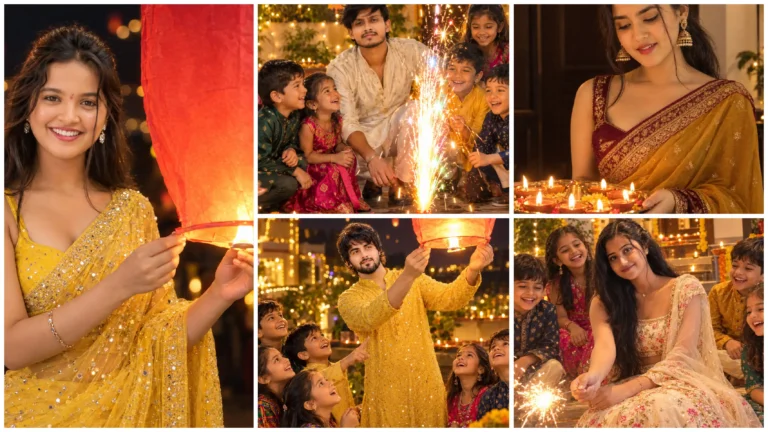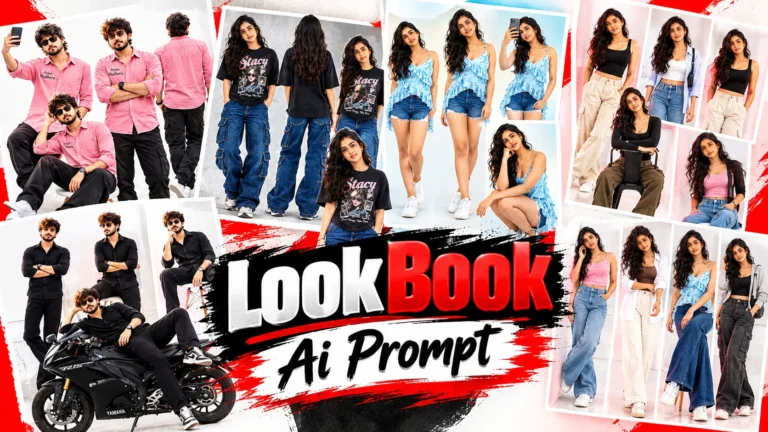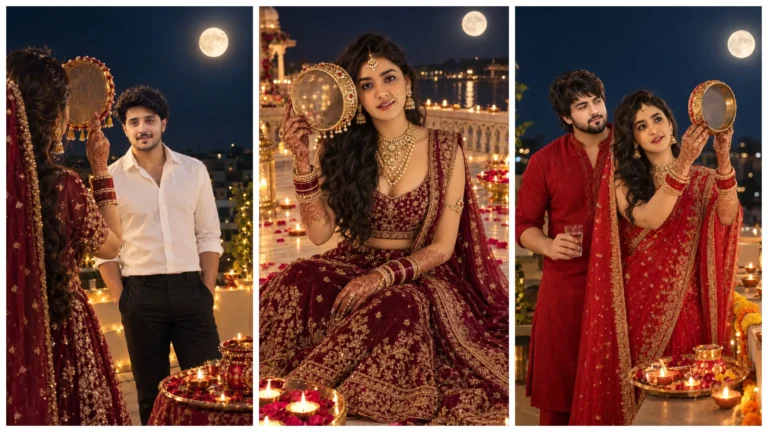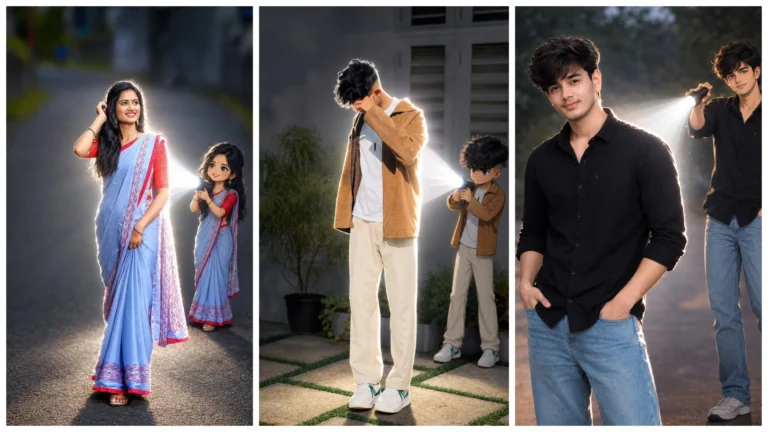
Wall color painting style Ai photo dikhne mein thoda badhiya lag raha hai, aur yese wallpaper aaj kal log pasnd bhi kar rahe hai. Isko aap bina painting skills ke bhi Ai image generation tool aur sahi prompt ka upyog karke yese wallpaper generate kar sakte hai. Pahale yese photo create karne ke liye kisi painter ki jarurat hoti thi, lekin ab yese photo aap khud hi create kar sakte hai. Aur yah photo dikhne mein realistic-looking lagti hai. Is photo ko create karne ke liye aapko painting sikhne ko jarurat nahi balki ai ko samjhne ki jarurat ho sakti hai. Is post mein ham is photo create karne ka details mein janege.
Watercolor Ai Photo Kya Kai?
Watercolor ai photo editing prompt ek yesi technology hai jisme aapke normal photo ko watercolor ai photo mein badla ja sakta hai. Yah photo create hone ke baad yesa lag sakta hai ki sachmuch brush se banaya gaya hai. Kinaro par halka blur aur background halka warm color hai jisase photo hatho se banai gayi lag sakti hai. Aur yah parmparik photo se milti julti hai.
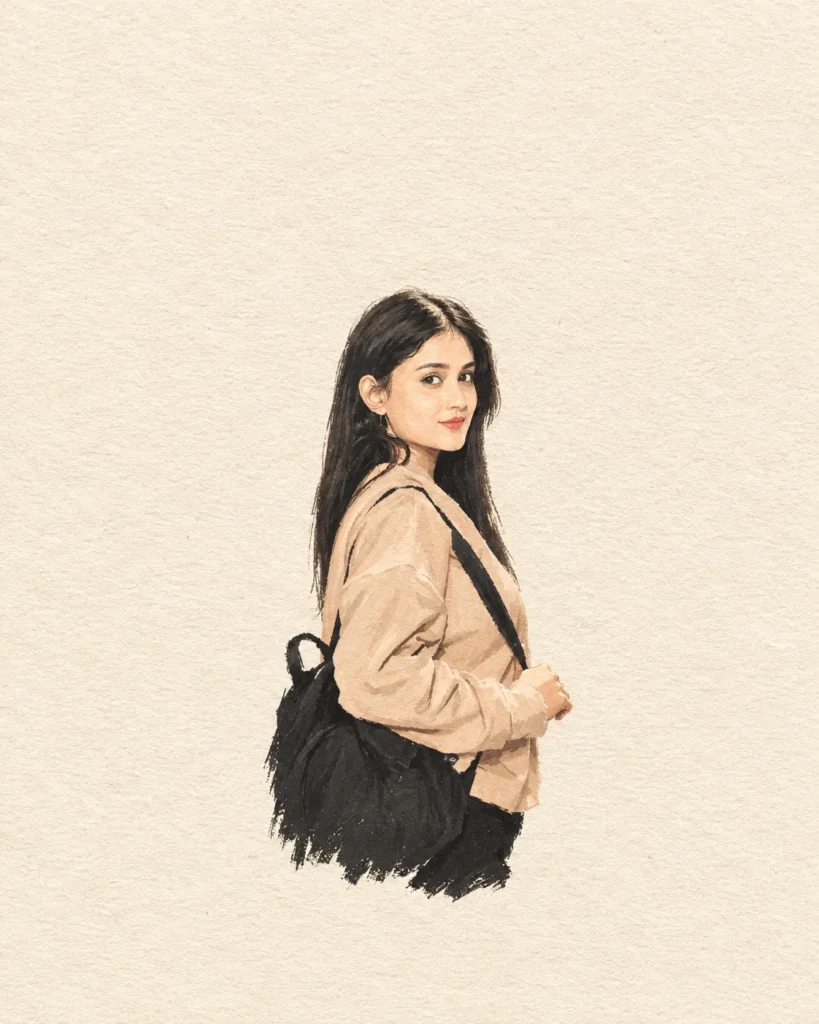
Girl With Bag Luxury Looking
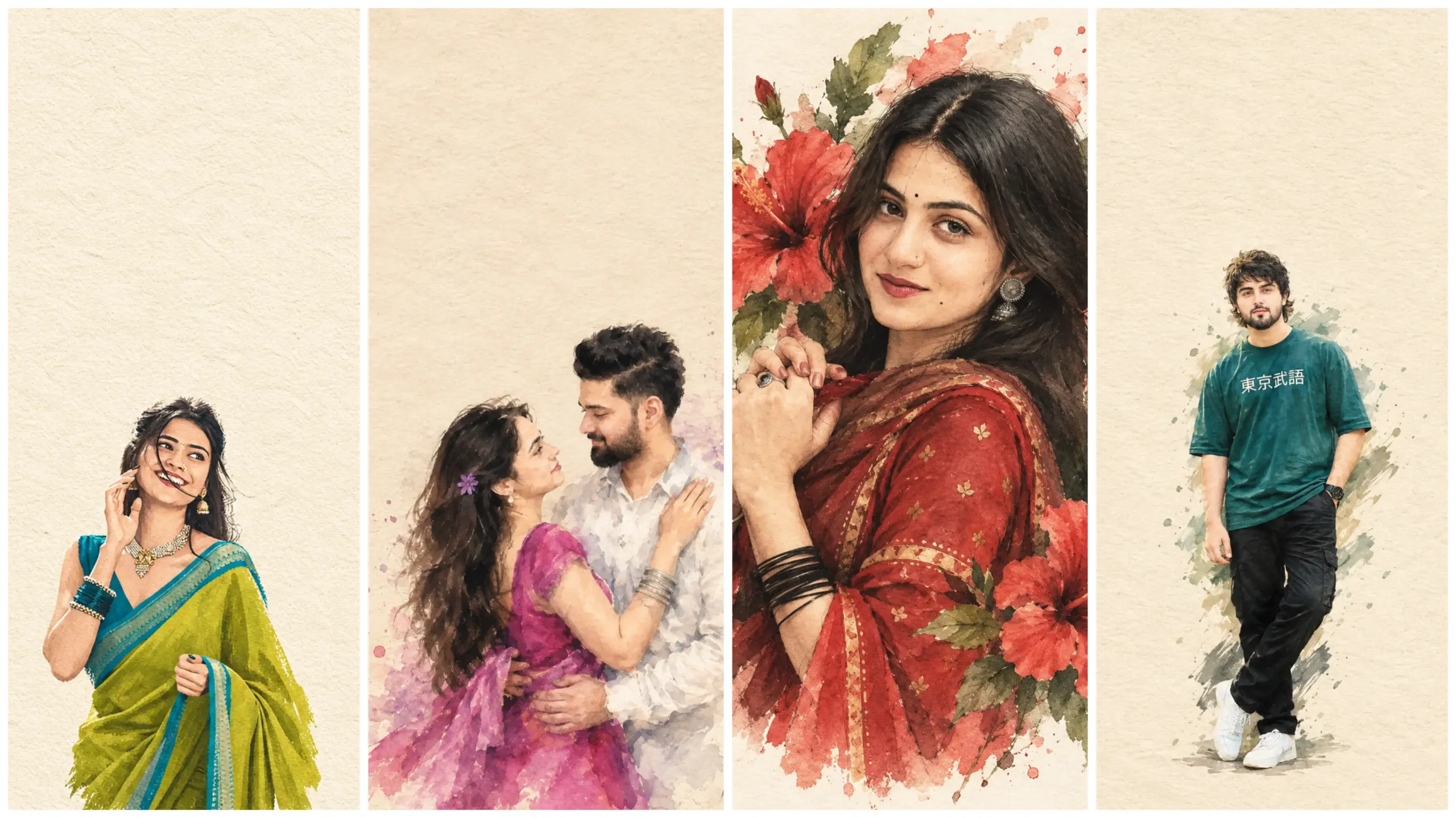
Transform the uploaded photo into a minimalist hand-drawn paper-cover illustration. Preserve the subjects’ facial identity, essential facial features, pose, proportions, silhouette, and family interaction accurately. Simplify unnecessary details using delicate imperfect hand-drawn lines, bold flat acrylic-style color shapes, visible brush marks, and slightly irregular edges. Use a background with plenty of negative space. Keep the family composition small and centered in the Center of the frame. Extract the dominant colors from the original image and use no more than 4 harmonious colors. Quiet, poetic, refined, editorial, handmade aesthetic. Use a background with plenty of negative space. Keep the family composition small and centered in the Center of the frame. Extract the dominant colors from the original image and use no more than 4 harmonious colors. Quiet, poetic, refined, editorial, handmade aesthetic.warm off-white textured paperwarm off-white textured paper4:5 Ratio.
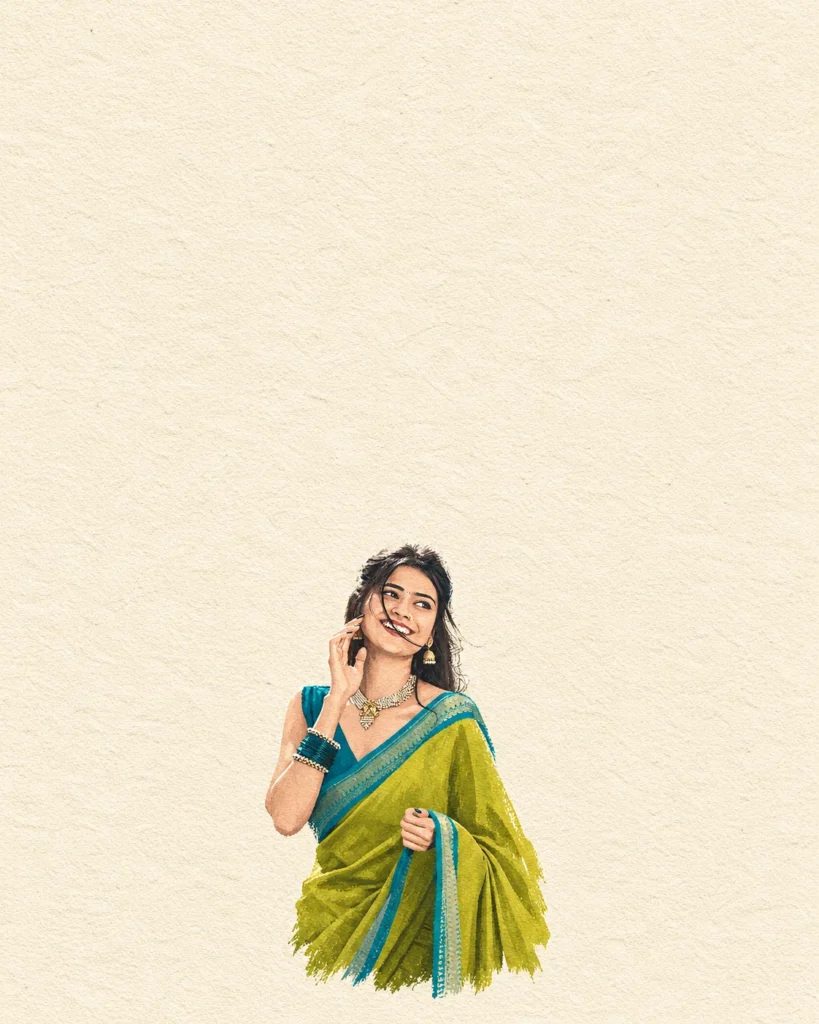
Girl Saree Look
Transform the uploaded photo into a minimalist hand-drawn paper-cover illustration. Preserve the subjects’ facial identity, essential facial features, pose, proportions, silhouette, and family interaction accurately. Simplify unnecessary details using delicate imperfect hand-drawn lines, bold flat acrylic-style color shapes, visible brush marks, and slightly irregular edges. Use a warm off-white textured paper background with plenty of negative space.Keep the family composition small and centered in the lower 20% of the frame.Extract the dominant colors from the original image and use no more than 4 harmonious colors. Quiet, poetic, refined, editorial, handmade aesthetic.4:5
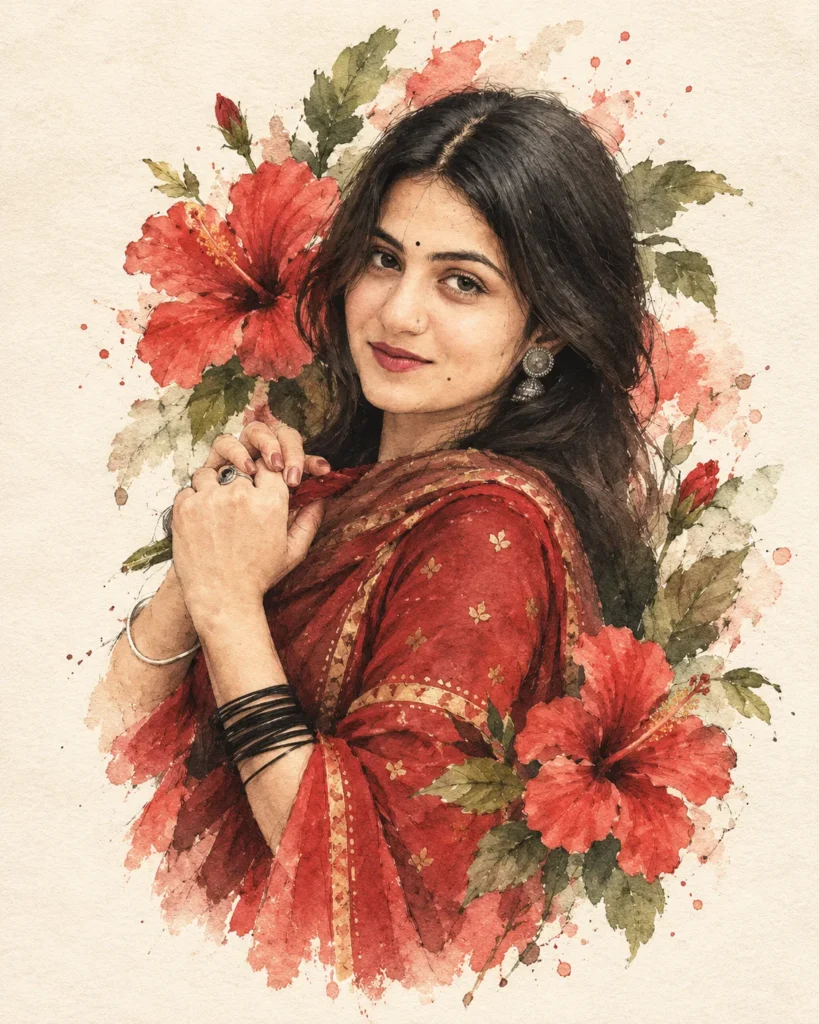
Sticker Style Ai Photo
A stylized digital watercolor illustration of a young woman with soft, realistic facial features and expressive eyes, black hair loosely tied back with strands falling around her face. She wears a red traditional dress with subtle gold detailing and delicate jewelry. Large red hibiscus flowers and green leaves surround her head and shoulders, blending into the background like ink and watercolor splashes. The composition is slightly tilted, giving a dreamy, poetic feel. Fine sketch lines, paint
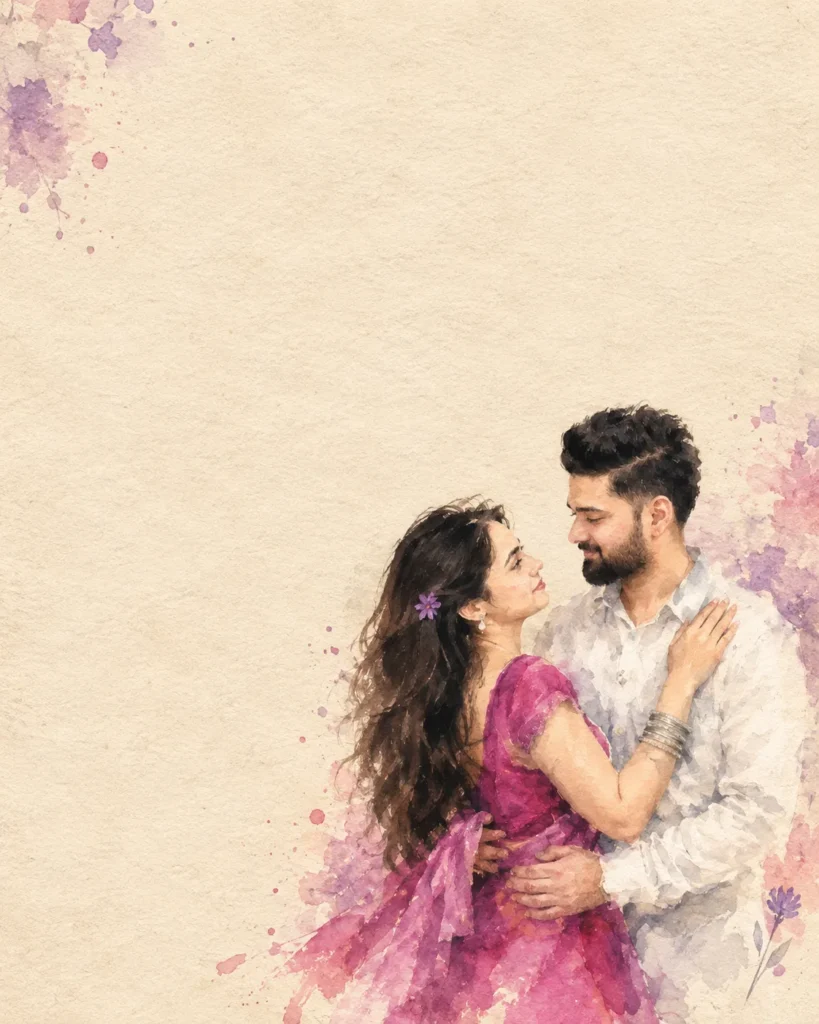
Couple Watercolor Ai Prompt
A romantic impressionist watercolor painting of a young couple standing close together in an intimate pose. The girl has long dark flowing hair with a small purple flower tucked near her ear, wearing a bright magenta dress that softly blends into the watercolor texture. The boy is dressed in a simple white shirt. The painting style is loose, blurry, and emotional, with soft brush strokes, smudged edges, and a dreamy unfinished look. The watercolor effect should feel expressive and fluid, with gentle color bleeding and natural paper texture visible. Background is minimal – plain textured beige paper like vintage parchment, with large empty negative space above the couple. The couple is positioned at the bottom-right corner of the frame, leaving wide space for text. Soft pastel watercolor splashes in purple and pink appear subtly around the edges.
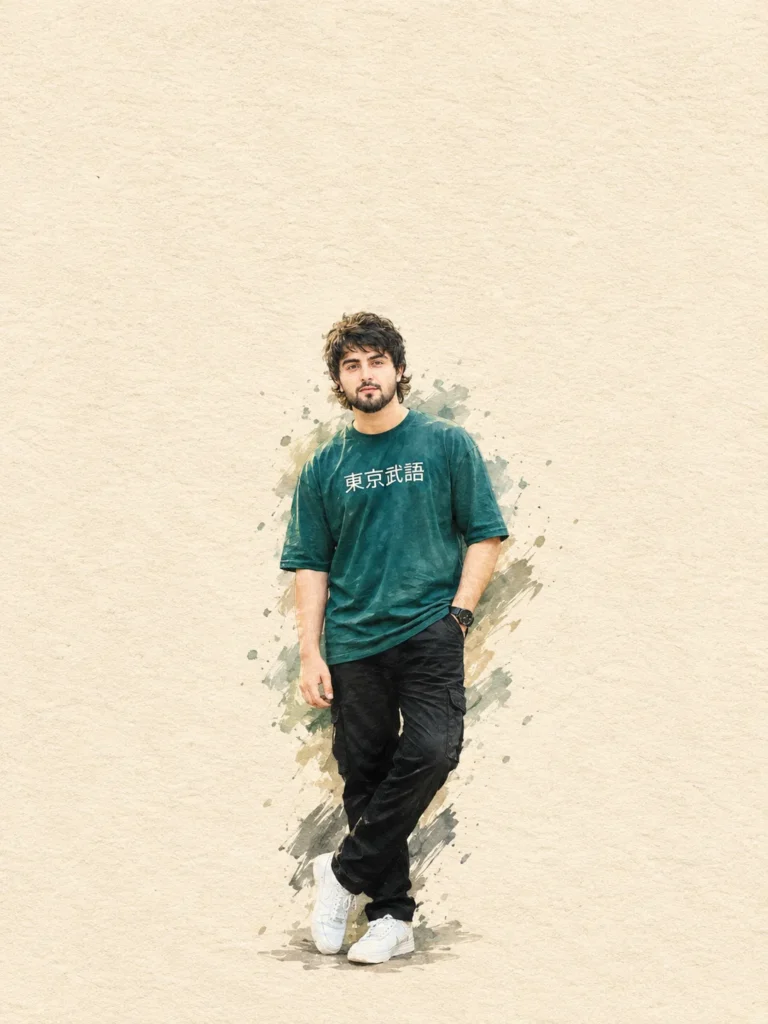
Boy Ai Prompt For Create New Looking Photo
Transform the uploaded photo of the young man into a minimalist hand-drawn paper-cover illustration. Preserve his facial identity, essential facial features, hairstyle, natural expression, pose, body proportions, silhouette, and clothing details accurately. Do not change or beautify his face. Simplify unnecessary details using delicate imperfect hand-drawn lines, bold flat acrylic-style color shapes, visible brush marks, and slightly irregular edges.
Keep only the male subject from the uploaded photo. Do not add any other person.
Use a warm off-white textured paper background with plenty of negative space. Keep the male subject small and centered in the center of the frame. Extract the dominant colors from the original photo and use no more than 4 harmonious colors.
Quiet, poetic, refined, editorial, handmade aesthetic. Subtle paper texture, natural brushwork, soft imperfect edges, and a premium paper-cover illustration feel.
No extra people, no text, no logo, no unnecessary background objects. 4:5 ratio.
Is Editing Ke liye Kis Ki Jarurat hai?
Is tarah ke editing ke liye aapko ek reference photo ki jarurat hoti hai, jisme light condition sahi ho, face blury na ho, photo ka quality sahi ho. Isase Ai ko photo samjhane aur Ai image generate karne me madad mil sakti hai. Isake alawa aapke paas ek behtar prompt bhi hona chahiye. Jisme subject, location, lighting, camera angle ke bare mein details mein bataya gaya ho.
Is Ai Photo Ko Generate Karne Ke Liye Photo Kaisa Hona Chahiye?
Better quality mein photo generate karne ke liye hamara pahala step sahi photo choose karna ho sakta hai. Kyunki Ai image generator reference photo ke according hi photo generate karta hai. Isliye reference photo upload karne ke liye niche diye gaye step ko dekh sakte hai.
- Photo mein face clearly visible hona chahiye.
- Face par proper light honi chahiye.
- Background mein bahut zyada log nahi hone chahiye.
- Blury, low-resolution reference photo upload karne ki jagah clear photo use karein.
Watercolor Ai Photo ChatGPT Mein Kaise Banaye?
Is tarah ke ai photo banana ChatGPT main sahi prompt ka upyog karke banaya ja sakta hai. Aap hamare diye gaye prompt ka upyog karke is trending ai photo ko aap bhi try kar sakte hain.
- Sabse pahale is post se kisi prompt ko copy karein.
- Ab niche diye gaye “Generate Image With ChatGPT” button par tap karein.
- Iske baad apna ek clear reference photo upload karein.
- Ab prompt box mein copied prompt ko paste karein, aur send karein.
- Ab image generate hona ka intezar karein.
- Image generate hone ke baad result ko achhe se check karein, fir apne social media par share kar sakte hai.
Final Word
Dosto agar aap clear reference photo ke saath prompt ka properly upyog karte hai to, Instagram trending watercolor ai photo editing karna simple ho sakta hai. Is article mein ham AI image generation se lekar reference photo ke details tak ke important steps ko simple way mein samjhaya hai.
Agar Aap in steps ko dhyan se follow karte hai to aap apni photo par is editing trend ko try kar sakte hain. Agal agal result reference image, prompt aur AI tool ke according thoda different ho sakta hai. Isliye final result milne par achhe se check kar lein.