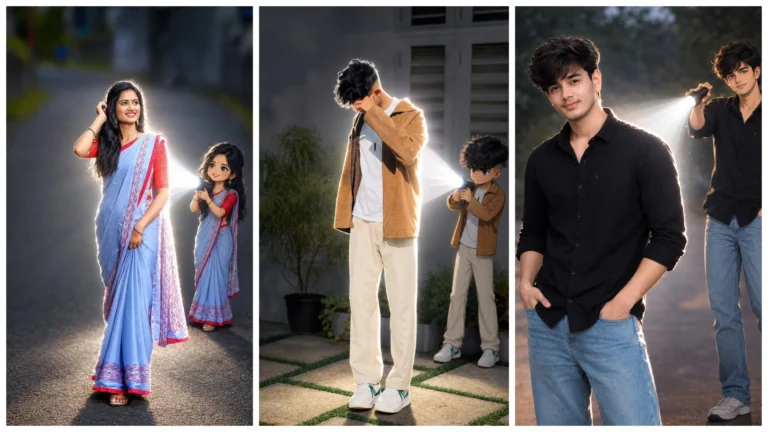
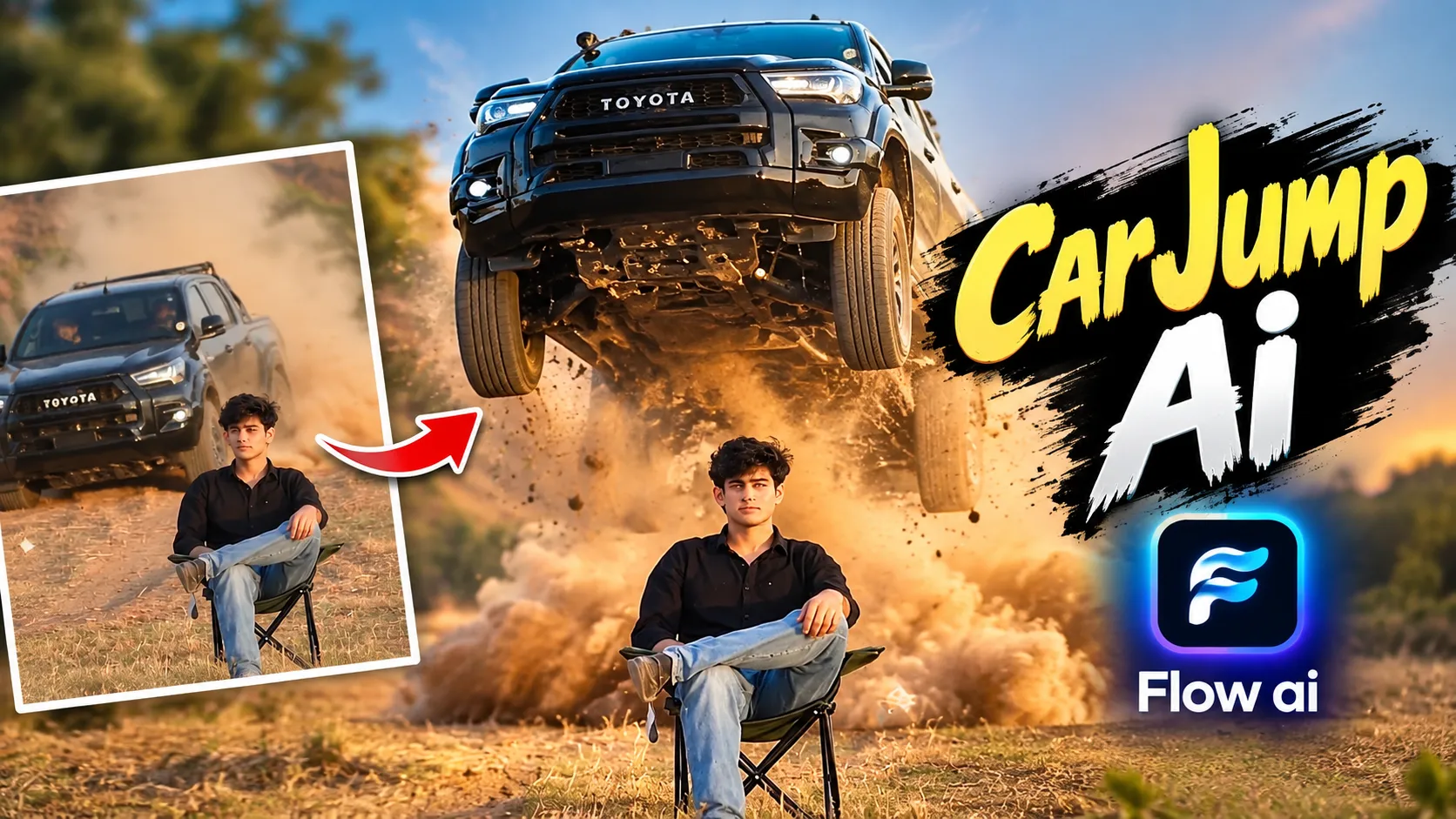
Friends, agar aap Ai video editing mein interested hai aur aap social media par active rahate hai to aap car jump video video zaroorat dekha hoga. Ye video Ai ki madad se banaya gaya hai. Aajkal AI ka use karke realistic aur cinematic videos banana aasan ho gaya hai.
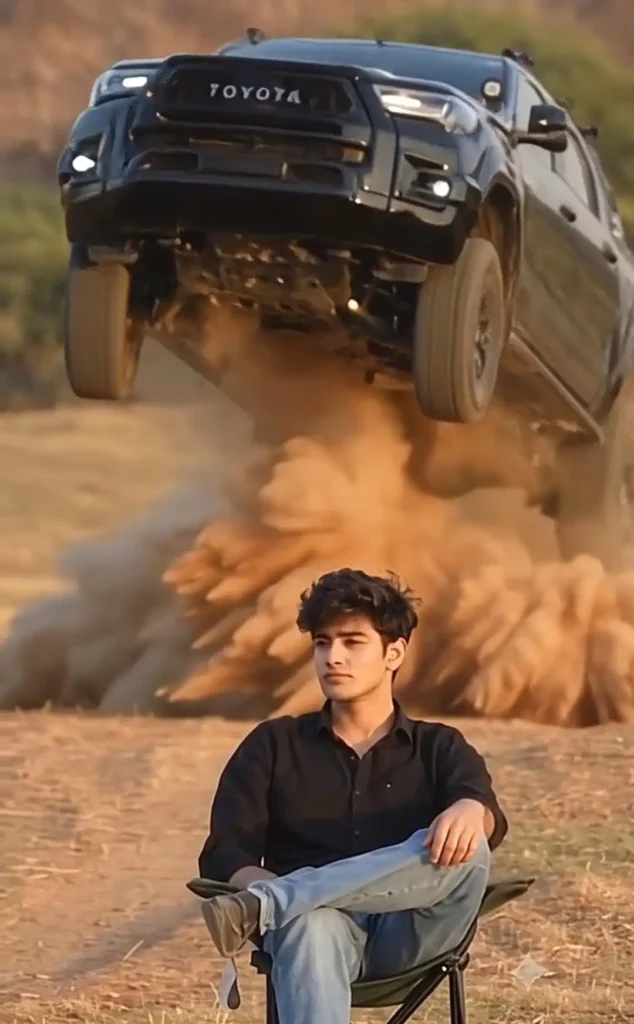
Is video mein ek person chair laga kar stylish aur full attitude ke saath baitha hota hai fir kuch samay baad wah finger snap karta hai. Uske turant baad background se ek car jump karte hue hawa mein dikhai deti hai. Slow-motion aur cinematic effects ke wajah se ye scene movie jaisa lagta hai.
Is video ko aap apni ek reference photo aur es video ka use karke bana sakte hai. Is post mein hum aapko aasan steps mein batane ki kosis karenge ki aap Flow Ai ka use karke ye video kaise bana sakte hai?
Reference Video
Car Jump AI Video Editing Kya Hai?
Car Jump AI Video ek AI-generated video hai. Isme ek person chair par baitha hota hai fir stylish action ke baad background mein se ek car jump karte huye dikhai deti hai.
Is video mein slow motion, realistic movement, cinematic light setup jaise effects ka use kiya ja sakta hai, jisase output realistic-looking lag sakta hai.
New Viral Ai Video Prompt
Is video ko banane ke liye aapke paas ek reference photo, video aur ek better prompt ki jarurat hogi. Reference photo jitna clear hoga, AI ke liye person ki face aur scene ko maintain karna utna hi easy ho sakta hai.
Car Jump AI Video Prompt
Use the uploaded character image as the definitive visual identity reference for the main subject and use the provided reference video as the primary guide for the character’s performance, movement, timing, and cinematic presentation. Recreate the video as though the exact person shown in the uploaded character image is naturally performing the actions captured in the reference footage. Preserve the character’s identity with maximum consistency throughout the entire sequence, including the exact facial structure, facial proportions, recognizable features, skin tone, hairstyle, hair characteristics, body proportions, and overall physical appearance. The character must remain clearly recognizable as the same individual from the first frame to the final frame, with no facial reinterpretation, identity alteration, age variation, or appearance drift. Closely reproduce the performance demonstrated in the reference video, including the subject’s movements, gestures, posture, walking pattern, body language, facial expressions, eye direction, head movement, timing, pauses, transitions between actions, and overall acting rhythm. The motion should feel physically natural and continuous rather than mechanically copied, while maintaining the essential choreography and performance characteristics of the reference footage. Accurately follow the reference video’s visual language by matching its camera positioning, framing, perspective, lens behavior, camera movement, subject scale, composition, shot duration, pacing, focus transitions, and scene-to-scene transitions as closely as the source footage allows. Maintain stable facial geometry during movement, especially during head turns, side angles, rapid motion, changes in lighting, and camera movement. The character’s face must remain sharp, coherent, and immediately recognizable without morphing into another identity or developing inconsistent facial features between frames. Preserve realistic human anatomy and physically believable movement, including natural shoulder and body motion, realistic hand and finger articulation, correct limb proportions, convincing walking mechanics, subtle facial muscle movement, natural blinking, believable eye movement, and realistic interaction with surrounding objects or the environment. Keep the clothing, accessories, hairstyle, and other identifiable appearance elements from the uploaded character reference consistent throughout the video unless a specific change is clearly required by the reference footage. Any required environmental interaction should follow the physical logic, scale, and timing demonstrated in the reference video. Render the scene with high-end cinematic realism, natural skin texture, authentic hair detail and movement, physically believable shadows, realistic highlights, dimensional lighting, accurate depth, subtle environmental details, and photographic-quality image rendering. Lighting and exposure should remain visually consistent with the scene while naturally responding to movement and camera changes. The final footage should create the impression that the person from the uploaded character image was genuinely recorded performing the exact performance shown in the reference video, rather than generating a new AI character that merely resembles the reference person. Give the highest priority to preserving the original character identity and visual consistency, followed by faithful recreation of the reference performance and motion, accurate camera language and composition, natural human biomechanics, and finally overall cinematic image quality. Strictly prevent identity drift, face morphing, facial distortion, inconsistent skin tone, changing facial proportions, hairstyle changes, clothing changes, unnatural expressions, deformed hands, missing or duplicated fingers, incorre…
Flow AI Se Car Jump Video Kaise Banaye?
Google Flow Ai se es car jump ai video ko banana aasan ho sakta hai. Aap niche diye gaye step ko dhyan se padh kar bahut aasani se bana sakte hai.
- Sabse pahale aap upar diye gaye video ko download button par click karke download karein.
- Ab video prompt ko copy button par tap karke copy karein aur “Generate Video” Button Par Click karein.
- Ab Flow ai website open hoga fir aap “New Project” par click karein.
- Ab upar diye gaye (+) icon par click karke jo video aap download kiye hai usko aur apna ek photo upload karein.
- Ab niche (+) icon par tap karein aur jo photo aur video upload kiya gaye hai usko add karein.
- Ab text box mein prompt paste karke, aspect ratio 9:16 select karein aur send karein.
- Video Generate hone ka intezar karein video generate hone ke baad save karein.
Realistic Result Ke Liye Tips
AI video ko realistic-looking banane ke liye kuch basic baton ka dhyan rakhein:
- Reference photo clear aur high quality ka upload karein.
- Reference photo mein face clearly visible hona chahiye.
- Background simple hona chahiye isase ai ko subject samjhne mein aasani hoti hai.
- Prompt mein camera angle, movment aur subject action clearly mention karein.
- Prompt se agar better result nahi milta hai to prompt mein small changes karke dobara try kar sakte hai.
Final Word
Friends, agar aap upar diye gaye tips ko dhyan mein rakh kar is video ko banate hai to aap realistic-looking car jump ai video generate kar sakte hain. Aap reference video ke saath apni photo use karke face ke details ko match Kara sakte hai.