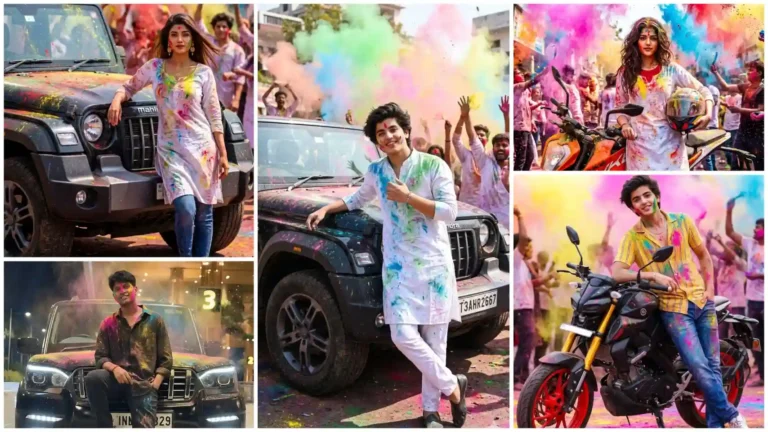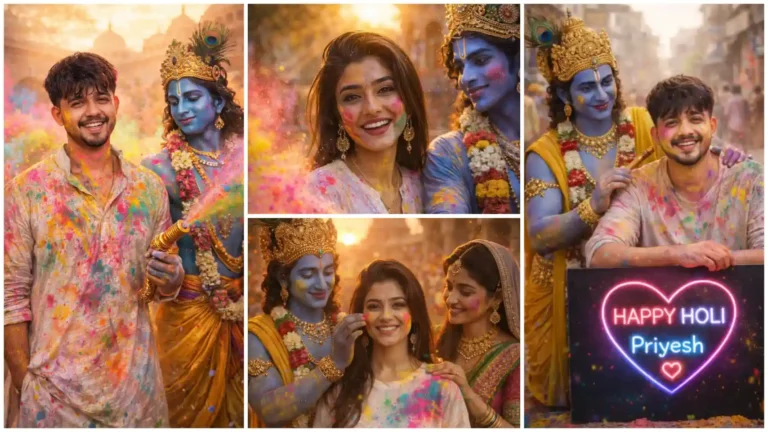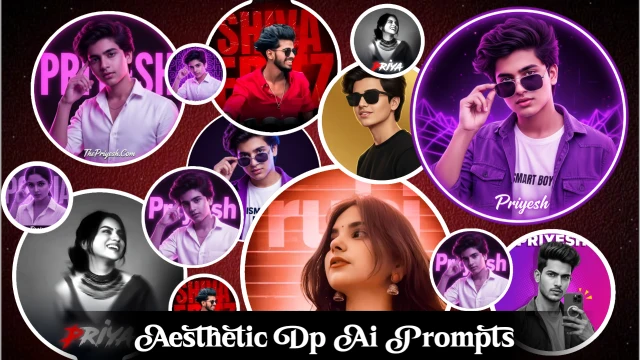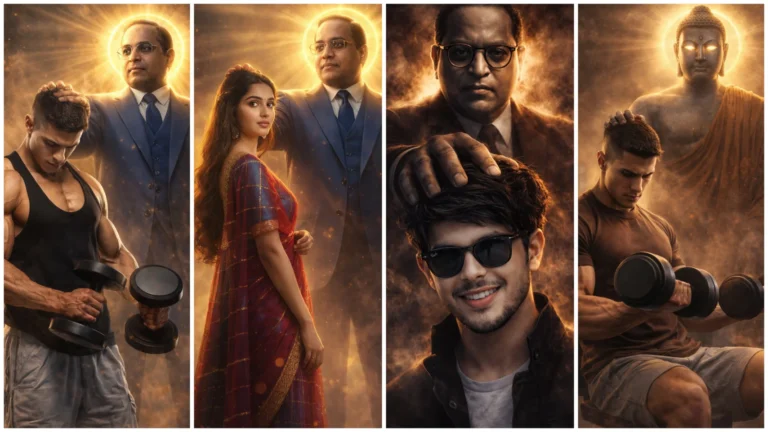

The AI-driven photo editing trend is becoming viral very fast on social media. Google Gemini AI’s dual-color shirt photo editing prompts are very much ahead of this trend. It transforms ordinary photos into crystal clear, 8K cinematic look and stunning photos.
AI-powered photo editing is all the rage on social media right now, and Gemini AI Boys Dual Color Shirt Photo Editing Prompts is leading the way by transforming ordinary photos into stunning, 8K cinematic scenes.
Whether you want to create a brand or post your next viral photo, these tips are best for great photo editing without any manual editing.
In which AI tool to create dual Color Shirt AI Photo?
Although there are many AI tools available on the internet, but in the matter of making AI photos, only a few selected tools are best which are given below.
- Google Gemini
- ChatGPT
- Midjourney ai
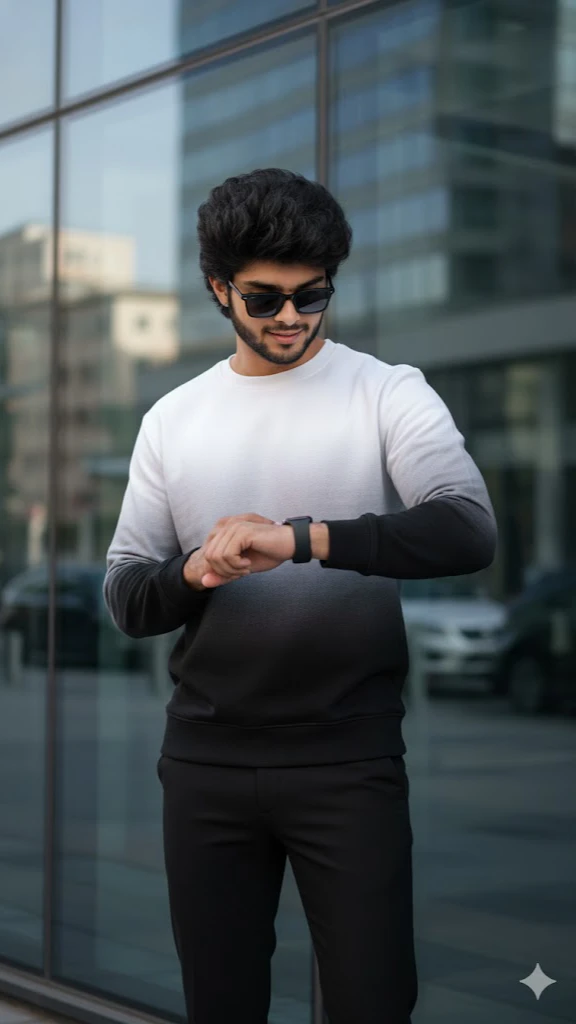
Black White Dual Color Shart Photo Editing Prompt
Hyper-realistic cinematic 9:16 portrait based on uploaded image, keep exact same face and hairstyle. A confident young man standing against a modern glass building wall, wearing white-to-black gradient sweatshirt, fitted black pants, dark sunglasses, smartwatch on left wrist, looking at his watch. Soft natural daylight, subtle glass reflections, stylish urban mood, ultra-realistic 8K, crisp textures, lifelike skin tone, cinematic depth of field.
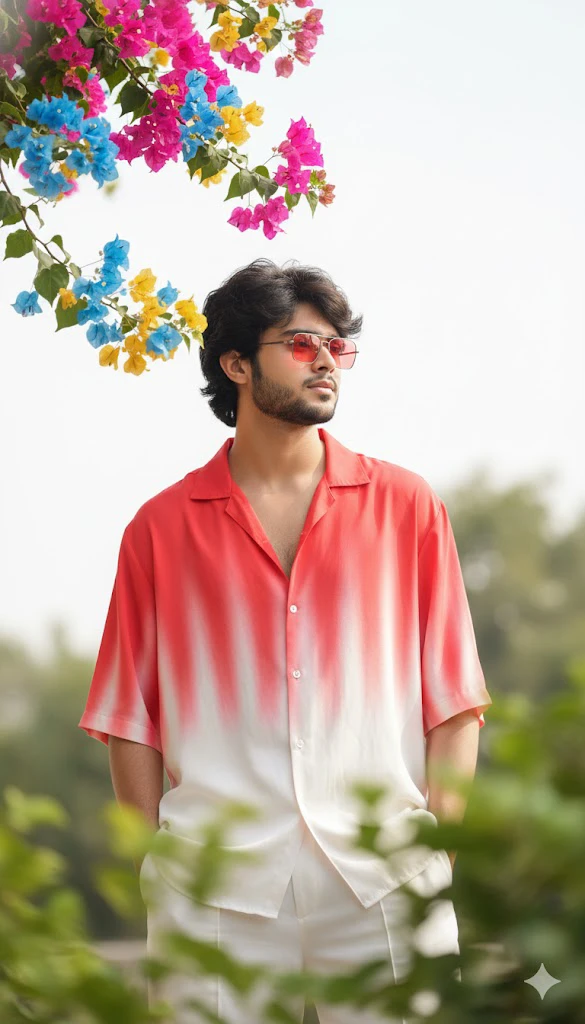
Red White Dual Color Shart Photo Editing Prompt
“A stylish, handsome young man (reference Image given) with a slightly wavy fringe hairstyle and transparent red, wearing a loose red & white gradient half-line shirt and white loose pants. He is looking thoughtfully off-camera, captured in a candid, high-key cinematic outdoor portrait. The composition is framed by a branch of vivid blue/pink/yellow bougainvillea flowers in the upper left corner and heavily blurred green leaves in the extreme foreground.”
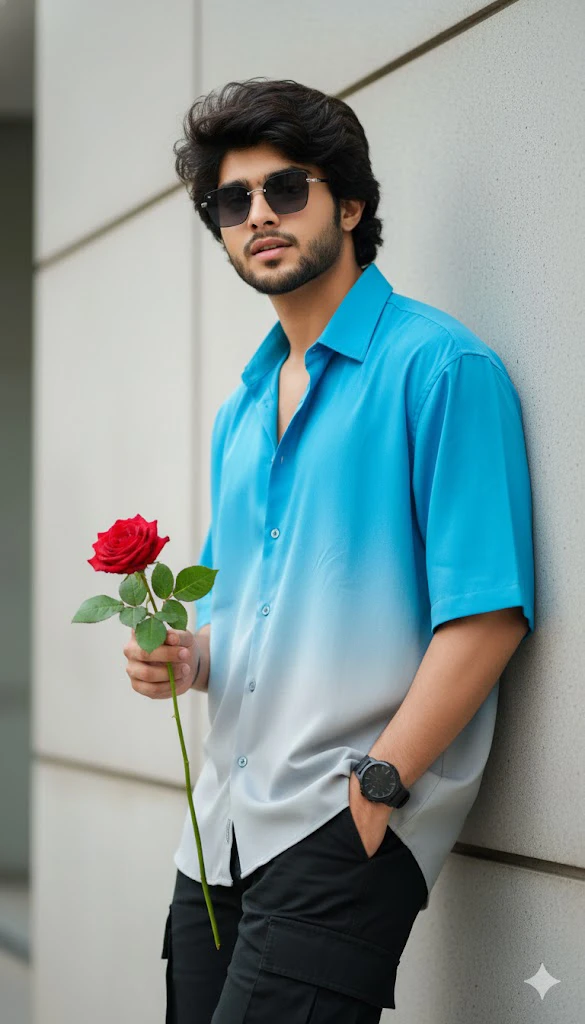
Blue White Dual Color Shart Photo Editing Prompt
“A stylish young man (use my real face with 100% accuracy), with dark, messy hair and sunglasses, leaning casually against a light gray, paneled wall. He is wearing an oversized, short-sleeved button-up shirt that transitions from bright blue to light gray in an ombre effect, and dark cargo pants. Right hand holding a rose, left hand in pocket, looking directly at the camera. He has a dark watch on his left wrist. Lighting is bright and even, highlighting textures. 8K ultra-realistic, high detail, cinematic.”
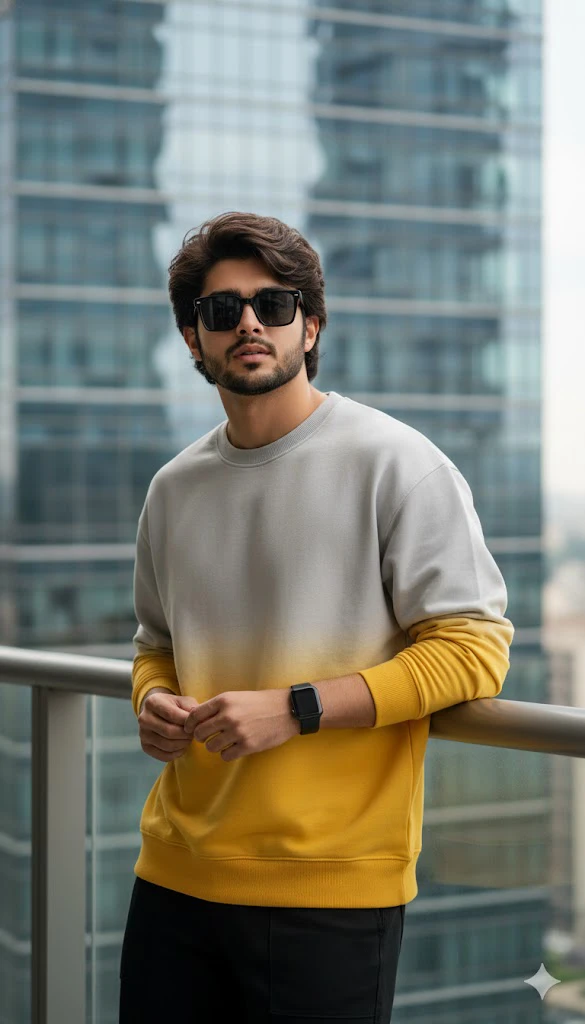
Grey Yellow Dual Color Shart Photo Editing Prompt
Hyper-realistic cinematic 9:16 portrait of a very handsome young boy with a wavy fringe hairstyle, standing confidently before a modern glass building. Outfit gradient sweatshirt light gray to deep Yellow), sleek block pants, block sunglasses, smartwatch on left wrist. Soft daylight, city reflections, cool and confident mood. Ultra-realistic BK quality, lifelike skin, cinematic depth.
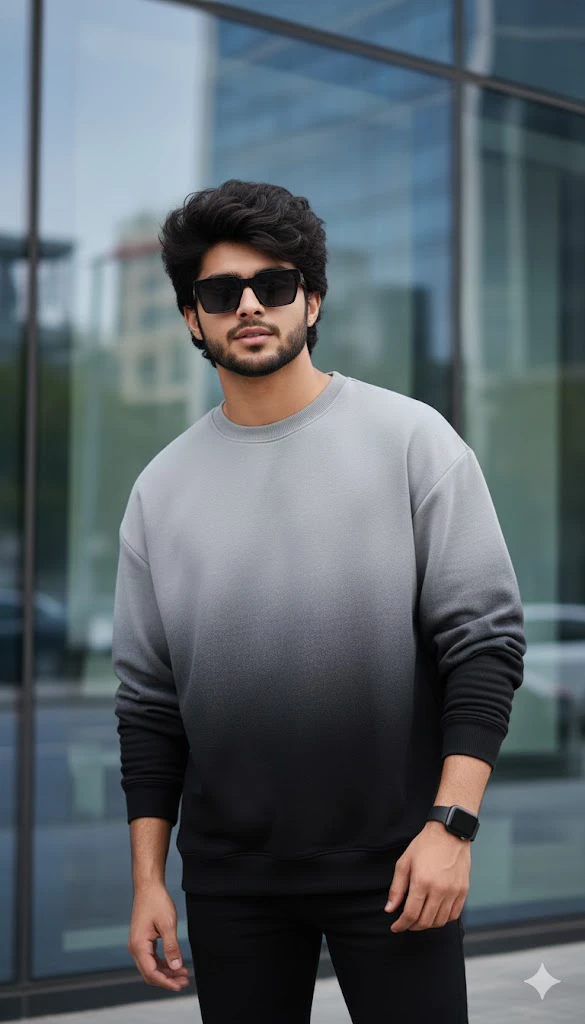
Grey Black Dual Color Shart Photo Editing Prompt
Hyper-realistic cinematic 9:16 portrait based on uploaded image, keep exact same face and hairstyle. A stylish young man standing confidently in front of a modern glass building, wearing light gray to deep black gradient sweatshirt, sleek black pants, black sunglasses, smartwatch on left wrist. Clean urban reflections, soft natural daylight, cool confident mood, ultra-realistic 8K, sharp textures, lifelike skin tones, cinematic depth of field.
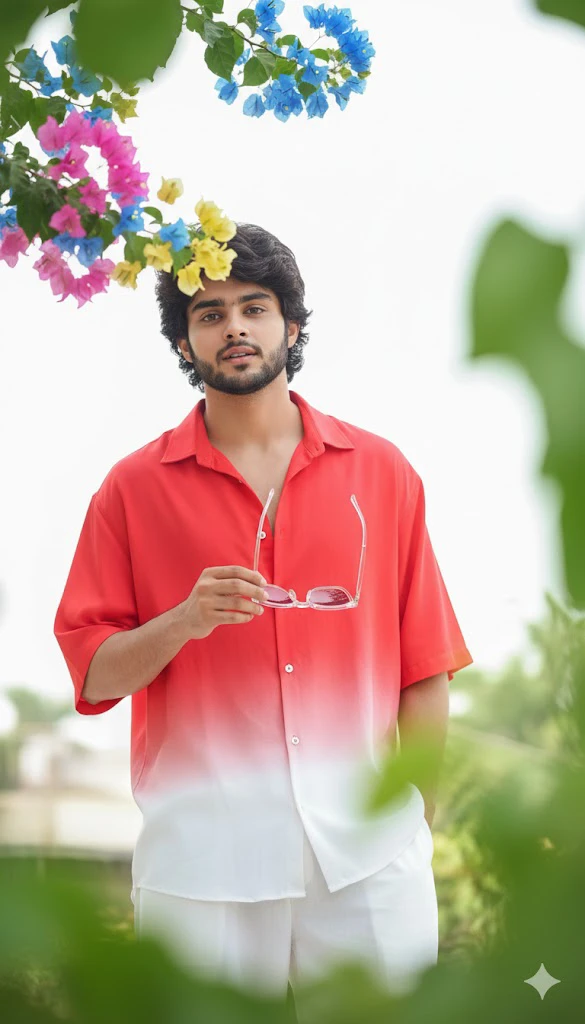
Red White Dual Color Shart Photo Editing Prompt
Hyper-realistic cinematic 9:16 outdoor portrait based on uploaded image, use 100% same face and facial features. A stylish young man with slightly messy hair, wearing loose red & white gradient half-lining shirt and loose white pants, holding transparent red sunglasses, looking thoughtfully at camera. Blue/pink/yellow bougainvillea flowers in top corner, blurred green leaves foreground, soft high-key lighting, stunning bokeh, shallow depth of field, ultra-realistic 8K.
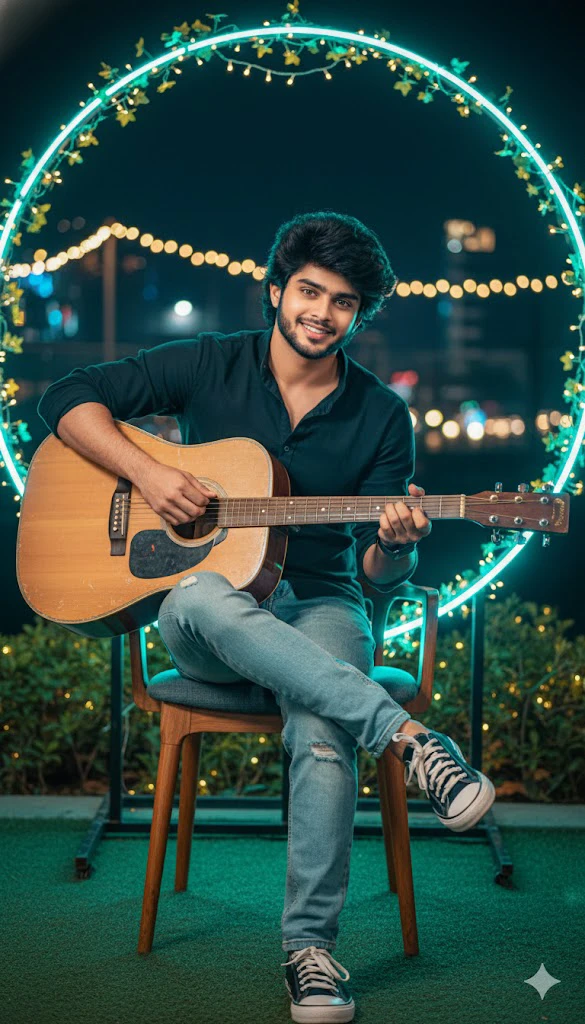
New Look Ai Prompt Photo Editing Prompt
Hyper-realistic cinematic 9:16 portrait using 100% uploaded face reference, keep exact facial features unchanged. A young man playing guitar while sitting casually in a vibrant outdoor night setup, neon ring with green vines and fairy lights glowing behind him, wearing dark shirt, light blue jeans, sneakers, smartwatch, warm cozy lighting. Dramatic close-up over-shoulder pose, dark voluminous styled hair, black high-collar jacket with luxurious detailed gold floral embroidery and gold buttons, satin/velvet texture, ultra-detailed 8K, professional photography, shallow depth of field.
How To Create Images With The Help Of Prompt In Google Gemini?
It is very easy to create Boys Dual Color Shirt Ai Photo in Google Gemini, you can create your viral image in a few clicks by reading the step below.
- First of all, choose your favorite Prompt from this website and copy.
- Now open Google Gemini in mobile app or browser and Sign In with your Gmail.
- Now click on the below (+) button and upload your photo (Photo should be clean and clear photo).
- Then paste the Prompt in the text box and send it.
- Now you have to wait for some time and your image will be created, after making the image you can download it.
Tips To Get Best Results
- Upload a clear, high-resolution photo.
- There should be good light and clearly visible on the face.
- Adding “realistic skin texture” to the prompt gives great results.
- Keep the background simple.
- Choose only Reels/Shorts size (9:16).
Where Is Dual Color Shirt AI Photo Used?
- WhatsApp DP
- YouTube Shorts Thumbnail
- Instagram Reel Cover
- Facebook Post
- Facebook Profile Photo
Conclusion
boys Dual Color Shirt AI Photo Editing has become the trending fashion style of today’s time. With the help of the right prompt and high-quality image, you can make your ordinary photo look like a professional photoshoot. You can also create your own amazing AI photo by copying and pasting the prompt given above in just 1 click.
FAQ – Boys Dual Color Shirt AI Photo Editing
Does it work in prompts free tools?
Yes, this prompt works well even in the free version of AI tools.
How to keep face 100% same in AI photo?
In the prompt, write text like “use 100% uploaded face reference, don’t change facial features”
Which is the best AI tool for creating photos?
Google gemini AI and chatgpt give good realistic results.
Can this be made with AI photo mobile?
Yes, all these tools work well on mobile browser or app.