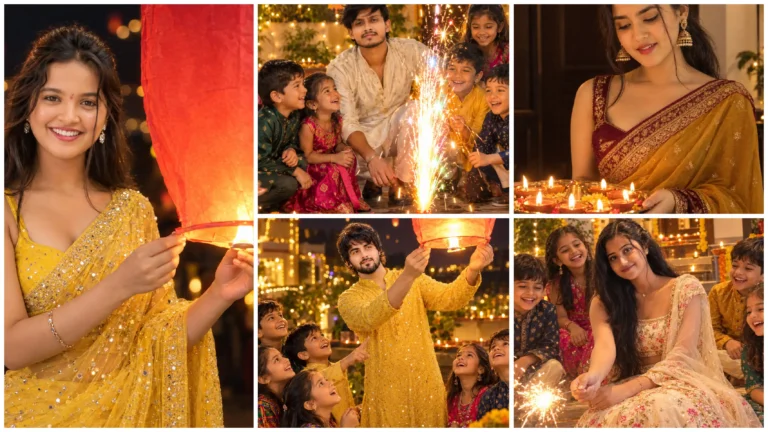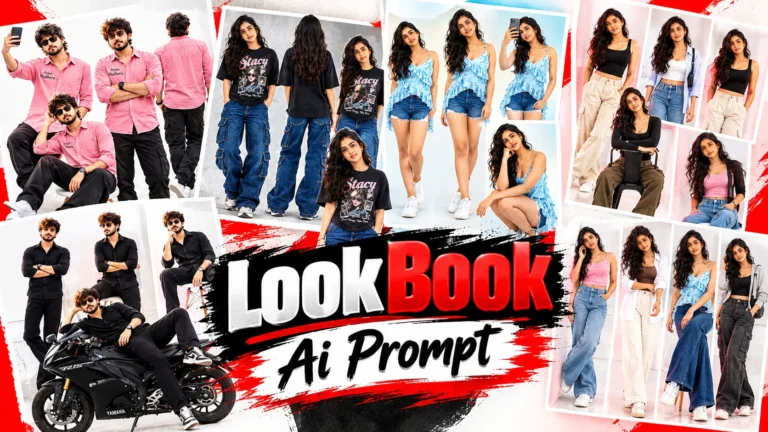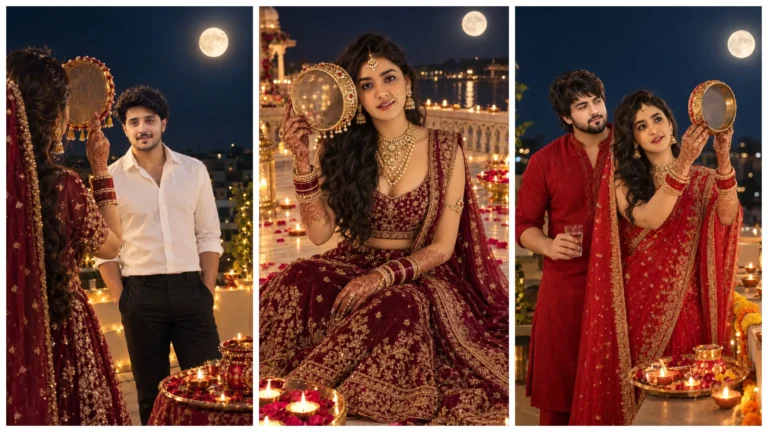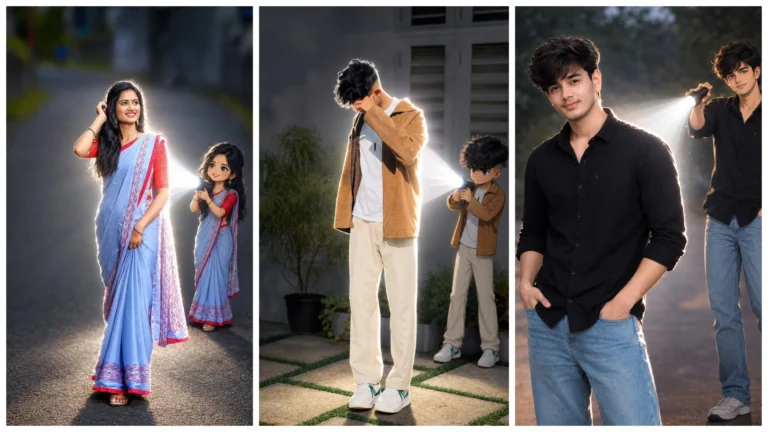
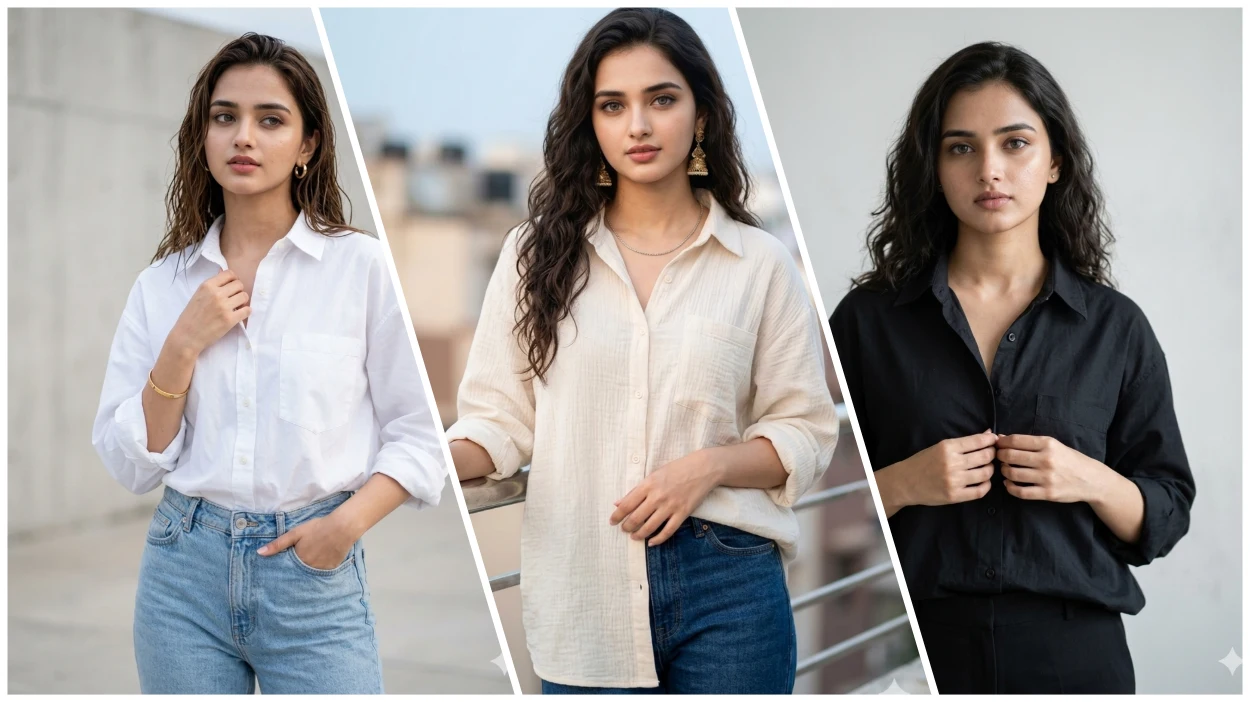
Ai Photo editing has become a trend in today’s time, and especially for stylish and attractive photos of girls. Such photos are very much liked on social media like Instagram and Facebook, which are created with the help of Google Gemini AI tool.
In this article, we will tell you how you can change a simple photo into a stunning and professional look with the help of Google Gemini AI Prompt. For this you don’t even have to do much hard work, just copy paste the AI prompt and your girl AI photo will be ready.
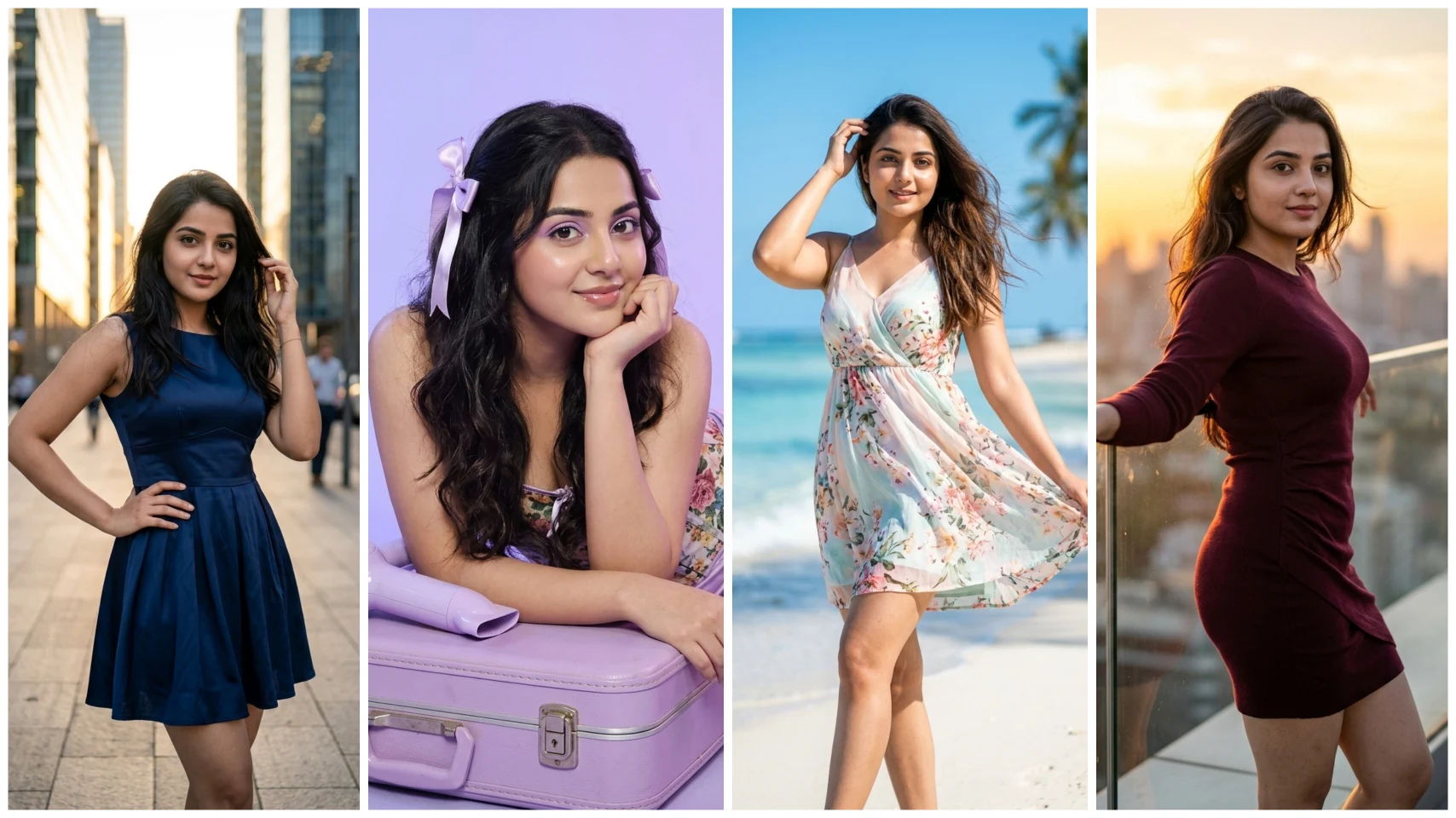
What is Google Gemini?
Friends, Gemini is an AI tool created by Google which is called Google Gemini. There are many benefits of gemini ai tool. It produces high-quality, realistic output that preserves facial details, meaning faces match exactly when the photo is created. It sees and understands the prompt well. Then he starts his work.
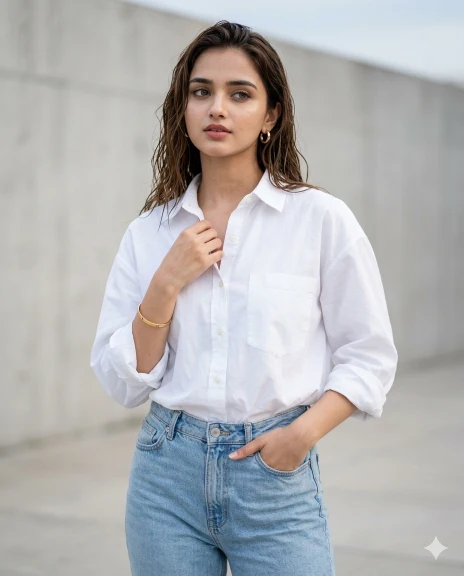
Girl In Shart AI Prompt
Ultra-hyper-realistic 8K lifestyle fashion photo — clean modern urban girl vibe, true DSLR natural-light look, authentic skin texture with visible pores, natural makeup, zero AI look, no beautification or smoothing, neutral color science.
Image: 1664×2080 portrait, ultra-sharp clarity, no blur or compression.
Scene: outdoor urban street, minimal concrete wall background, soft natural shadows, open sky light, slightly blurred clean backdrop.
Composition: mid–half body (head to waist), camera slightly above eye level angled down, subject slightly off-center.
Pose: confident stance, body slightly angled, one hand in jeans pocket, other holding shirt collar, relaxed shoulders, straight posture, calm confident expression, eyes looking slightly away.
Outfit: oversized white cotton shirt (slightly open, sleeves rolled), light blue high-waist denim jeans, minimal accessories (small hoops, thin bracelet).
Lighting: soft daylight, natural shadows, realistic skin tones, no HDR or cinematic grading, 50mm DSLR feel.
Negative prompt: cartoon, anime, CGI, AI look, plastic skin, oversmooth, heavy makeup, blur, low quality, teal-orange tones, beauty filters, over-posing
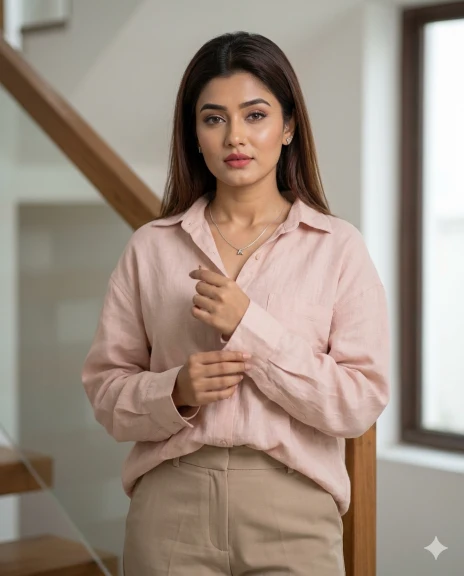
Casual Shart Outfits AI Prompt
Ultra-hyper-realistic 8K editorial fashion portrait — premium indoor realism, true DSLR soft-light look, ultra-HD face clarity, sharp eyes/lashes, natural skin texture, zero AI look, no retouching, clean neutral tones.
FACE LOCK (CRITICAL): Use exact face from reference — 100% identity match, no changes.
Image: 1664×2080 portrait, ultra-sharp, no blur.
Scene: modern indoor staircase, minimal architecture, soft ambient light, background slightly blurred.
Composition: mid–half body (head to waist), camera slightly above eye level, gentle downward angle.
Pose: girl standing still near railing, hands holding shirt sleeves, straight posture, relaxed shoulders, slight head tilt, direct eye contact, calm confident expression.
Outfit: pastel/muted oversized shirt (blue/grey/blush), neutral trousers, minimal jewelry, clean editorial style.
Lighting: soft diffused indoor light, even face illumination, 70–85mm DSLR feel, face is sharpest.
Negative prompt: blur face, AI look, beautification, cartoon, CGI, plastic skin, smoothing, heavy makeup, cinematic filters, identity mismatch
Girl Ai Prompt
Ultra-hyper-realistic 8K fashion lifestyle portrait — premium real-world DSLR look, extreme HD face clarity, crystal-sharp eyes, natural skin texture with pores, zero AI look, no smoothing or retouching, clean neutral tones.
FACE LOCK (VERY STRICT): Use exact reference face — 100% identity match, no reshaping, no filters, no changes.
Image: 1664×2080 portrait, ultra-sharp, no blur, no compression.
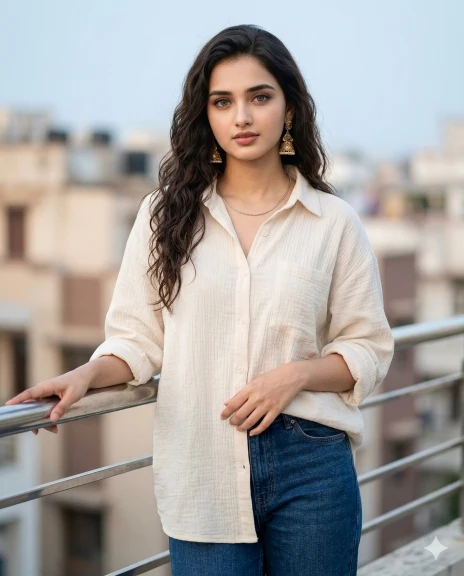
Scene: outdoor balcony/terrace, soft urban background with buildings & sky, gently blurred, natural daylight bounce.
Composition: mid–half body (head to waist), eye-level, straight-on for perfect facial accuracy.
Pose: calm confident stance, one hand on railing, other holding shirt near waist, relaxed shoulders, direct eye contact, natural expression.
Outfit: oversized white/beige cotton shirt, dark straight-fit jeans, minimal accessories, clean modern style.
Lighting: soft natural daylight, even face illumination, 85mm DSLR feel, background slightly blurred, face razor-sharp.
Negative prompt: blur face, AI skin, plastic look, cartoon, CGI, beauty filters, heavy makeup, cinematic grading, over-retouch, identity mismatch.
Girl Photo Editing Prompt
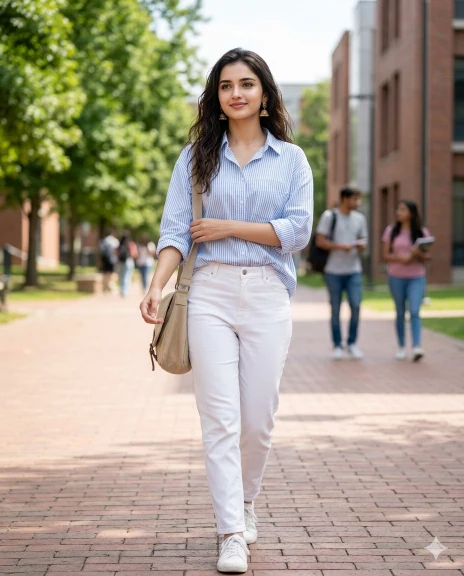
Ultra-hyper-realistic 8K lifestyle fashion photo of a confident young college girl, natural DSLR daylight, fresh youthful vibe, real skin texture with pores, light makeup, no AI look, no smoothing, clean neutral colors. Aspect ratio 1664×2080, ultra-sharp, no blur. Open college campus, green trees and modern buildings softly blurred, sunlit path. Mid–full body (head to knees), camera slightly below eye level, slight upward angle, subject off-center. Walking naturally, one hand holding sling bag strap, other adjusting sleeve, relaxed posture, soft confident smile, eyes looking forward. Outfit: light blue striped oversized shirt (half-tucked), white trousers/denim, white sneakers, minimal accessories. Bright natural light, soft shadows, realistic tones, 35–50mm lens. Negative: cartoon, anime, CGI, AI look, plastic skin, over-smooth, blur, low quality, HDR, filters, over-posed.
Black Shart With Girl AI Prompt
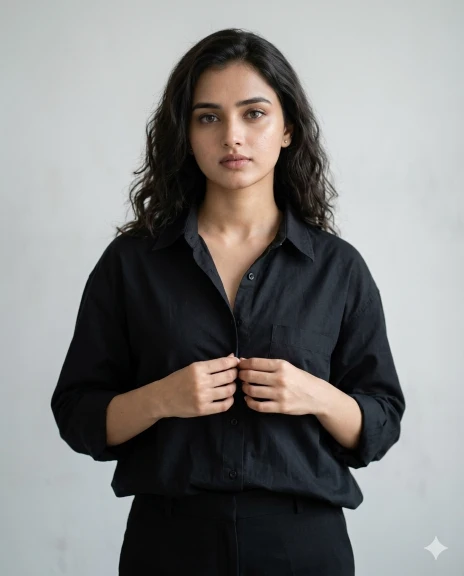
Ultra-hyper-realistic 8K minimalist fashion portrait of a confident young woman — clean editorial DSLR soft light, natural skin texture with pores, subtle makeup, zero AI look, no retouching, neutral tones. Aspect ratio 1664×2080, ultra-sharp, no blur.
Indoor minimal studio with plain off-white/grey wall, soft shadows, clean modern aesthetic. Mid–half body (head to waist), eye-level camera, symmetrical framing.
Pose: standing still, both hands gently holding shirt buttons near waist, straight posture, slight head tilt, calm serious expression, direct eye contact.
Outfit: solid black/beige oversized shirt, monochrome trousers, minimal jewelry, clean minimalist style.
Lighting: soft diffused studio light, realistic shadows, 85mm DSLR lens look.
Negative: AI look, cartoon, CGI, plastic skin, blur, noise, filters, heavy grading, beauty retouching, over-styled.
How To Create Casual Shirt Outfit For Girl AI Photo By Copy Pasting Prompt In Google Gemini?
Friends, any kind of AI photo can be created very easily in Google Gemini by using the right prompt. You can make it very easily by reading the steps given below carefully.
- First copy the correct prompt.
- Tap on the “Create Image With Google Gemini” button.
- Upload your simple photo.
- Paste the prompt and send.
- Now your photo will be created in a few seconds. Then save it.
Conclusion
In this way, with the help of AI photo, Google Gemini, you can create natural and professional grid photos very easily. Just use the right prompts and your photo will look just like a DSLR, without any complicated editing skills.