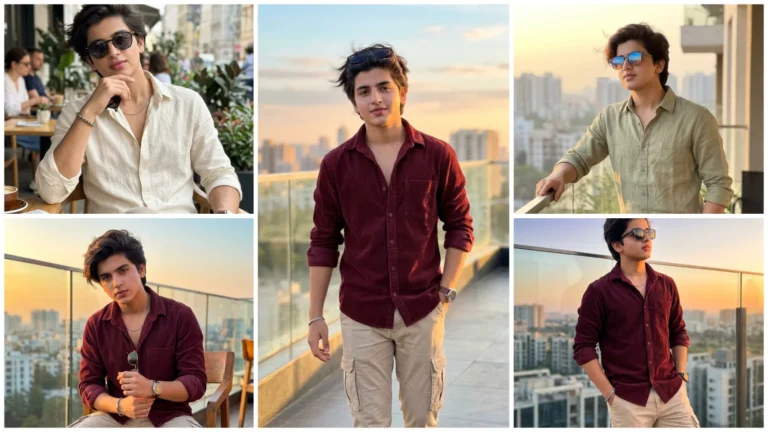
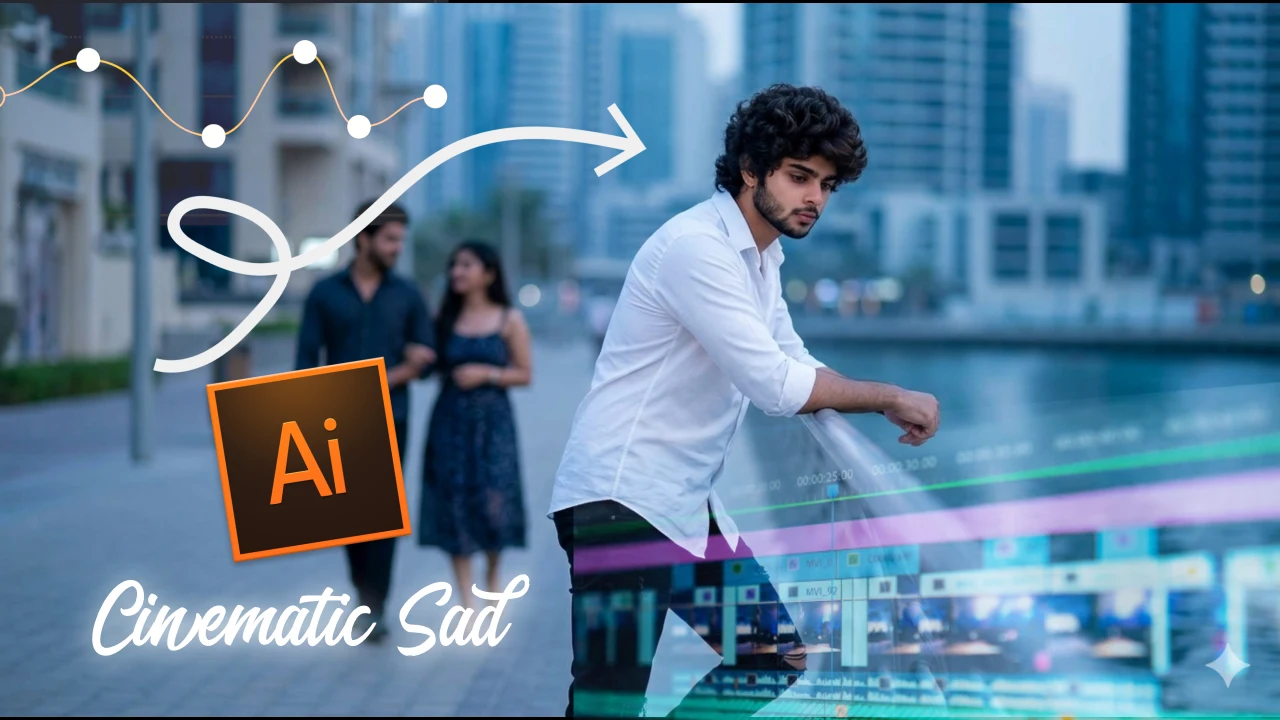
In today’s artificial intelligence (Ai) era, “cinematic sad ai video editing” is going viral very fast and has become a trend. In this way, emotional and sad reels connect with the audience very quickly, due to which such sad AI videos go viral.Friends, now in the year 2026, with the help of Artificial Intelligence (AI), you can make such AI videos in just 2 minutes, which will not only look professional but will also attract the audience.
Friends, if you are a content creator or YouTuber, then this article can be very useful for you. In this article, we will explain everything well, so that anyone can easily make viral Sad AI videos and go viral on social media platforms. If you also want to make such videos then read this article carefully.
Why Do Sad Ai Reels Go Viral So Fast?
Sad cinematic reel is becoming very viral because people express their feelings for the video, which looks quite attractive. And one more thing, by adding emotional content: you get higher watch time, more comments and shares, That’s why more likes and comments are seen on sad videos than normal videos, and this is why such sad videos go viral.
How To Create A Cinematic Reel By Copying And Pasting The Prompt?
Friends, to make a cinematic reel, first of all you have to make your AI photo, then using that photo you can make an AI reel, then watch the steps given below carefully and start making your AI photo.
- First copy the first prompt and tap on “Create Your Image With Gemini” button.
- Now upload your photo and paste the prompt.
- Then hit send and wait for a few seconds.
- Now your image will be created then download it.
Similarly, you have to copy the second prompt and create another image.

Ai Photo Prompt No. 1
Use the uploaded image as the ONLY facial identity source. Face must remain 100% identical with zero changes. Do not modify eyes, eyebrows, nose, lips, jawline, beard, hairstyle, or skin tone. Preserve natural skin texture, pores, and real human imperfections. No beautification, no smoothing, no AI face generation.
STRICT MATCH REQUIREMENT:
Recreate the EXACT same scene, pose, camera angle, composition, outfit, and environment as reference. The subject must sit in the same relaxed position on a rooftop lounge, leaning slightly back with one hand resting and one leg bent. Maintain exact body proportions and framing. No scaling issues, no stretching, no cropping errors.EXPRESSION CHANGE ONLY:
Keep everything identical, but slightly change facial expression to a subtle sad mood — soft eyes, slightly lowered eyelids, neutral lips (no smile), emotional cinematic look. Do NOT exaggerate.SCENE:
Night rooftop luxury setting with glowing city lights, mountains and clouds in the background. White cushions, candles and lanterns around, same placement and perspective.LIGHTING:
Cinematic soft lighting — warm candle light + cool city ambient light. Realistic shadows, balanced HDR, no overexposure.CAMERA:
16:9 aspect ratio (1920×1080), DSLR cinematic shot, shallow depth of field, background bokeh, sharp focus on face.QUALITY:
Ultra-realistic, 8K, highly detailed, professional color grading.NEGATIVE PROMPT:
No face mismatch, no different person, no stylization, no cartoon, no blur on face, no distortion, no extra limbs, no change in outfit, no change in pose, no framing errors.FINAL INSTRUCTION:
Only adjust expression to slightly sad. Everything else must remain identical to the reference image.
Ai Photo Prompt No. 2
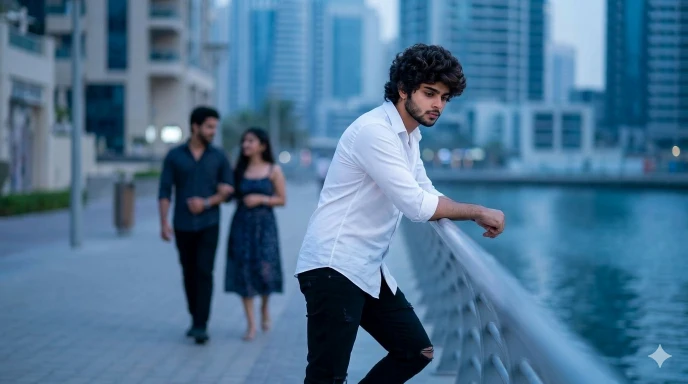
Use the uploaded image as the ONLY facial identity reference for the main subject (foreground sad boy). The face must remain 100% identical with zero changes. Do not modify eyes, eyebrows, nose, lips, jawline, beard, hairstyle, or skin tone. Preserve natural skin texture and imperfections. No beautification, no smoothing, no AI face change.
SCENE LOCK (VERY IMPORTANT):
Recreate the EXACT same scene, composition, camera angle, and environment as the reference image. Do not change location, framing, or perspective.MAIN SUBJECT (REPLACE WITH MY FACE):
Replace the first boy (foreground, leaning on railing) with my uploaded face. Keep the exact same body pose — standing near the railing, slightly bent forward, head down, looking sad and emotional. Outfit must remain the same (black ripped shirt, black pants, black shoes).EXPRESSION:
Sad mood — head slightly down, eyes lowered, emotional and thoughtful expression. No smile.BACKGROUND CHARACTERS:
Keep the same couple in the background (a man and a woman walking together). They must remain unchanged, slightly blurred due to depth of field, symbolizing emotional contrast.ENVIRONMENT:
Riverside walkway with railing, modern city buildings in the background, evening/blue hour lighting.LIGHTING:
Soft natural cinematic lighting, slightly cool tones, realistic shadows, balanced exposure.CAMERA:
16:9 aspect ratio (1920×1080), DSLR cinematic look, shallow depth of field, sharp focus on main subject, background softly blurred.QUALITY:
Ultra-realistic, 8K detail, professional color grading, no distortion, no scaling issues.NEGATIVE PROMPT:
No face mismatch, no different person, no pose change, no outfit change, no extra people, no distortion, no blur on face, no artifacts.FINAL INSTRUCTION:
Only replace the foreground sad boy with my face. Keep everything else exactly the same.
How to Create Cinematic Sad Ai Videos Using Photos and Prompts?
Friends, after making an AI photo, now it has become easy to make a video using that photo. You can make a video in just a few clicks, so now see the steps given below carefully and start making your video.
- First copy the first prompt from the above prompt.
- Then tap on the Create Your Video With Flow Ai button below.
- Tap “New project” and tap (+) icon.
- Now upload the first photo created from Google Gemini.
- Then long press on the photo and tap on Animate button.
- Now paste the prompt then tap on generate button.
- Now your video will be ready in a few seconds, then save it.
Now, in the same way, upload another photo made by gemini and also make another video using the second prompt.
Ai Video Prompt No. 1
Use the uploaded image as the base frame and exact identity reference. The face must remain 100% identical with zero change. Do not alter facial features, skin texture, beard, hairstyle, or proportions. No face morphing or identity shift.
Create a smooth cinematic video sequence from this image.
SCENE & MOTION:
A calm rooftop night scene with a cool breeze flowing naturally. The subject remains in the same relaxed pose. Gentle wind passes through, causing the hair to softly move and slightly flutter. Clothes show very subtle natural movement.ENVIRONMENT ANIMATION:
Clouds in the background slowly drifting across the sky. Slight atmospheric motion in the city lights (soft flicker and depth). The overall environment feels alive but realistic.WEATHER MOOD:
Create a pre-rain atmosphere — हवा चल रही है, बादल घने हैं, हल्का धुंधलापन (mist), but NO rain. Slight humidity in the air, giving a moody cinematic feel.LIGHTING:
Warm candle/lantern light flickering softly. Cool blue ambient light from city and sky. Maintain realistic shadows and reflections.CAMERA:
Very slow cinematic camera movement (subtle push-in or slight parallax). No sudden movement. Keep framing exactly the same (16:9).QUALITY & STYLE:
Ultra-realistic, cinematic, smooth motion, 4K output, high detail, shallow depth of field, natural motion blur.NEGATIVE PROMPT:
No face distortion, no new face, no pose change, no extra limbs, no heavy wind, no rain, no unrealistic motion, no jitter, no flickering glitches.FINAL INSTRUCTION:
Keep everything stable and realistic. Only add subtle natural motion — hair movement, cloud motion, light flicker, and cinematic atmosphere.
Ai Video Prompt No. 2
Use the uploaded image as the base frame and identity reference. The main subject (foreground boy) face must remain 100% identical with zero change. No face morphing, no identity shift, no facial distortion.
SCENE:
Riverside walkway with railing, city buildings in background, evening blue-hour lighting. Maintain exact same composition and framing (16:9).MAIN SUBJECT (EMOTION FOCUS):
The boy is standing near the railing, leaning slightly forward with head down. He looks deeply sad and emotional. Subtle movement only — very slight breathing motion, minimal head movement downward, natural stillness to show sadness.EXPRESSION:
Sad mood — eyes lowered, no smile, emotional and silent. Keep expression consistent throughout.BACKGROUND ACTION:
The couple behind (man and woman) slowly walking together. Very smooth and natural motion. Their movement should feel real but slightly out of focus (depth of field).ENVIRONMENT MOTION:
Light breeze flowing — very gentle movement in hair and clothes. Subtle motion in surroundings (tiny movement in background, soft cinematic depth).LIGHTING:
Soft cinematic lighting, cool tones. Maintain realistic shadows and highlights.CAMERA:
Very slow cinematic push-in (zoom) or slight parallax. No shake, no fast movement. Keep framing stable.QUALITY:
Ultra-realistic, smooth motion, 4K, cinematic look, shallow depth of field, natural motion blur.NEGATIVE PROMPT:
No face change, no pose change, no extra people, no distortion, no jitter, no fast motion, no unrealistic animation.FINAL INSTRUCTION:
Keep everything calm, emotional, and realistic. Focus on sadness with minimal movement and smooth cinematic feel.