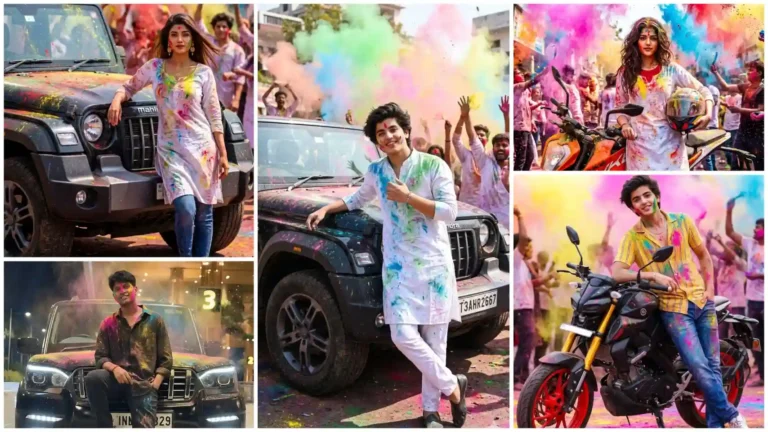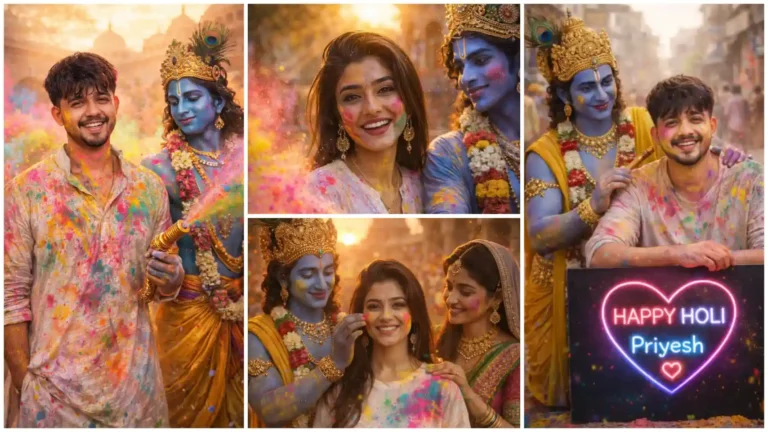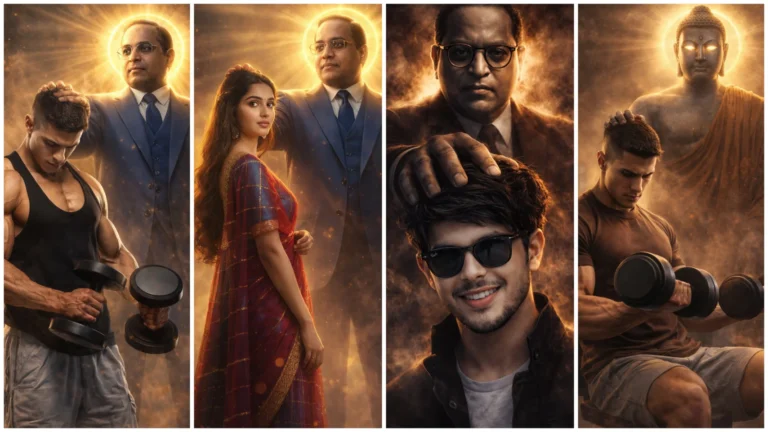
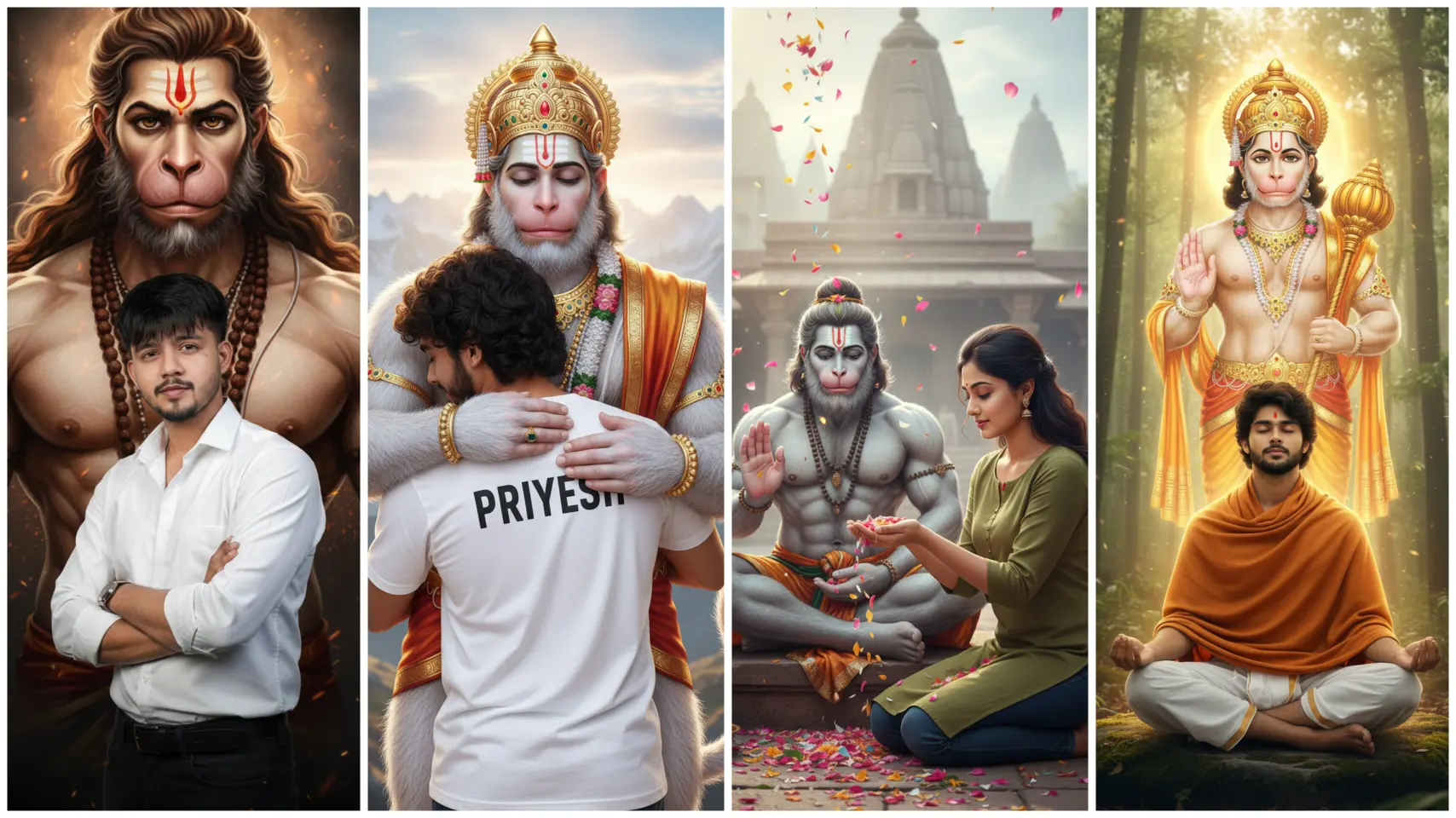
You must have seen such Hanuman Jayanti Trending Photos On Instagram, because right now such photos and videos are becoming very viral on social media. I thought that I should teach you how to make such photos so that you too can easily make such photos with your photos, so in this article I will teach you how to make photos. Our editing will be based on Hanuman Jayanti.
If you are a devotee of Hanuman ji, then you will like these pictures very much. In this editing, we have taught you how to make pictures of Hanuman ji hugging, there are many other types of pictures. Which will touch your heart after watching and you will like it very much. And now that Hanuman Jayanti is coming, this trend will become even more viral.
One more thing, most of the people worship Hanuman ji two days a week on Tuesday and Saturday. If you want, you can make such pictures for these two days also. You can post different types of pictures on your social media during these two days.
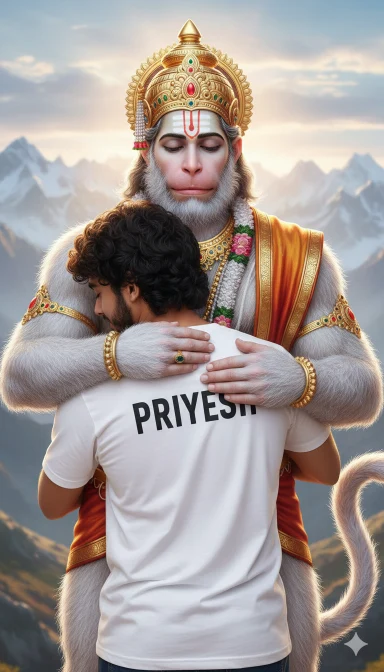
T Shart Name With Phoo
Use the uploaded photo as the PRIMARY and ONLY face reference for the human character.
The face must match 100% exactly — same identity, facial structure, skin tone, eyes, nose, lips, hair, beard (if any), and expression.
Do NOT change the identity.
Do NOT stylize the face.
The face must look fully realistic and photographic — NO cartoon, NO anime, NO illustration.
Scene Description: A young man is emotionally hugging Lord Hanuman with eyes closed, feeling protected and peaceful.
The human is wearing a simple white t-shirt, and on the back of the t-shirt, his name is written clearly (example: “PRIYESH”).
The hug looks warm, divine, and full of devotion.
Lord Hanuman Details: – Tall and powerful divine form
– Soft white/grey fur
– Calm, compassionate expression
– Golden crown and ornaments
– Sacred tilak on forehead
– One arm gently protecting the human
– Tail visible in the background
Background: – Majestic Himalayan mountains
– Soft clouds and morning light
– Spiritual, peaceful atmosphere
– Cinematic depth and natural colors
Lighting & Quality: – Ultra-realistic lighting
– Natural skin tones
– High detail fur and fabric texture
– Professional cinematic photography look
– 4K ultra-HD quality
– Aspect ratio: 9:16 (vertical)
Important Restrictions: – Human face must look 100% real
– No cartoon effect
– No anime style
– No painting or illustration
– No face swapping errors
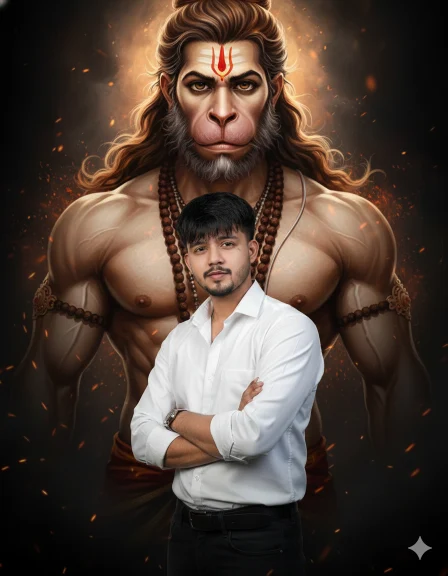
New Aesthetic Look Hanuman Ji
Use the uploaded photo as the PRIMARY and ONLY face reference for the male character.
The face must match 100% exactly — same identity, facial structure, skin tone, eyes, nose, lips, beard (if any), hairstyle, and expression.
Do NOT change, beautify, stylize, or enhance the face.
The face must look fully realistic and photographic — NO cartoon, NO anime, NO illustration, NO painting.
Scene:
A confident young man is standing in a powerful and unique pose in the foreground.
He is standing in a stylish attitude pose — slightly turned body, one foot forward, arms either crossed or one hand in pocket, strong and fearless expression.
He is wearing a clean modern outfit (white shirt or dark t-shirt with trousers).
NO name, NO text, NO logo on clothes.
Behind him appears a large, divine and artistic portrait-style presence of Lord Hanuman.
Lord Hanuman looks powerful and intense, with flowing hair, sacred tilak on forehead, rudraksha mala, muscular upper body, and a divine aura.
Lord Hanuman should look realistic and epic, not cartoonish or animated.
Background:
Dark cinematic background with subtle glowing embers and divine light.
High contrast lighting that separates the man from the background.
Spiritual, powerful, heroic atmosphere.
Lighting & Quality:
Ultra-realistic cinematic lighting, dramatic rim light, natural skin tones, sharp facial details, professional DSLR photography look, 4K Ultra-HD quality, aspect ratio 9:16 (vertical).
Strict rules:
Face must be 100% identical to uploaded photo.
No cartoon look.
No anime style.
No illustration or painting.
No beauty filters.
No face swap or distortio
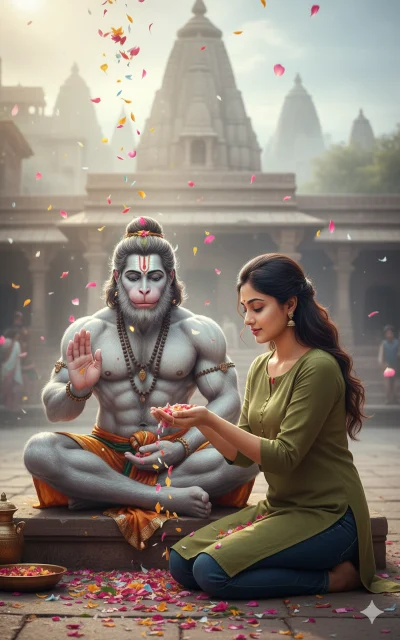
Hanuman Ji Ai Prompt For Girl
Use the uploaded photo as the PRIMARY and ONLY face reference for the female character.
The face must match 100% exactly — same identity, facial structure, skin tone, eyes, nose, lips, hairstyle, and expression.
Do NOT change the identity.
Do NOT beautify, stylize, or modify the face.
The face must look fully realistic and photographic — NO cartoon, NO anime, NO illustration, NO painting.
🌸 Scene Description:
A young woman is respectfully offering flower petals to Lord Hanuman with devotion and calm emotion.
She is slightly kneeling beside Lord Hanuman, gently sprinkling flowers from her hand.
Her expression shows faith, peace, and devotion.
She is wearing a simple modern outfit: – Plain solid-color sweatshirt or kurti
– Jeans or simple lower
– No name, no text, no logo on clothes
🔱 Lord Hanuman Details:
– Divine, muscular form of Lord Hanuman
– Ash-grey / bluish skin tone
– Calm meditative expression
– Sitting in padmasana (meditation pose)
– Sacred tilak on forehead
– Wearing flower garland and minimal ornaments
– One hand in blessing mudra
🏙 Background:
– Soft, cinematic urban background or temple-like atmosphere
– Light fog and divine glow
– Falling flower petals in the air
– Peaceful, spiritual mood
🎥 Lighting & Quality:
– Ultra-realistic cinematic lighting
– Natural skin tones
– Sharp facial details
– DSLR photography look
– 4K Ultra-HD quality
– Aspect ratio 9:16 (vertical)
🚫 Strict Restrictions:
– Female face must be 100% real and identical to uploaded photo
– No cartoon look
– No anime style
– No illustration or painting
– No artificial beauty filters
– No face-swap or distortion
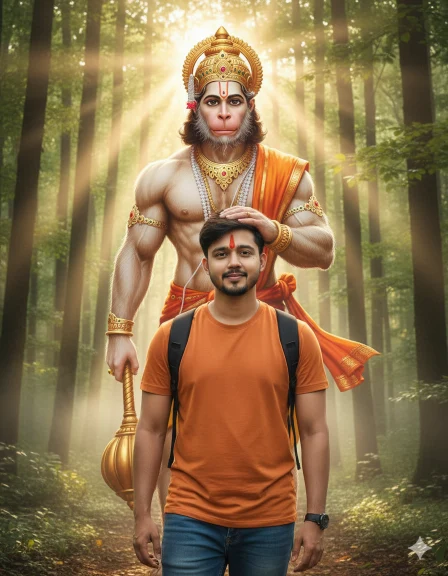
Hanuman Ji Ai Prompt
Use the uploaded photo as the PRIMARY and ONLY face reference for the male character.
The face must match 100% exactly — same identity, facial structure, skin tone, eyes, nose, lips, hairstyle, and expression.
Do NOT change the identity.
Do NOT beautify, stylize, or modify the face.
The face must look fully realistic and photographic — NO cartoon, NO anime, NO illustration, NO painting.
🌄 Scene Description:
A young man is walking on a peaceful forest path during golden sunrise.
He is smiling softly, feeling confident, protected, and blessed.
A red tilak is naturally applied on his forehead.
He is wearing a simple saffron/orange t-shirt and a small backpack.
Behind him stands Lord Hanuman in divine human-like form, gently placing his hand on the young man’s head in a protective blessing gesture.
🔱 Lord Hanuman Details:
– Divine, muscular form of Lord Hanuman
– Natural human-like facial features (not cartoonish)
– Calm, kind smile
– Golden crown and traditional ornaments
– Red/orange cloth (angavastram)
– Sacred tilak on forehead
– Mace (gada) softly visible or resting
🌲 Background:
– Lush green forest with tall trees
– Soft morning sunlight rays
– Light mist for a divine feel
– Spiritual, calm, cinematic atmosphere
🎥 Lighting & Quality:
– Ultra-realistic cinematic lighting
– Natural skin tones
– Sharp facial details
– DSLR photography look
– 4K Ultra-HD quality
– Aspect ratio 9:16 (vertical)
🚫 Strict Restrictions:
– Face must be 100% identical to the uploaded photo
– No cartoon look
– No anime style
– No illustration or painting
– No artificial beauty filters
– No face distortion or face-swap errors
Google Gemini Hanuman Jayanti Ai Photo Editing Prompts
Friends, as Hanuman Jayanti approaches, you will see a lot of such editing, if you already have any idea then you can tell me in the comments. We will prepare the editing for you as per your request. Apart from this, you will find many different types of editing prompts on our website. Using which you can create your stunning image.
How To Create Hanuman Jayanti Photo Using Prompt In Google Gemini?
Friends, it is very easy to create Hanuman Jayanti photo using the prompt in Google Gemini. You can create different types of AI photos with the help of our given prompt. So now read the steps given below and create your AI photo.
- First of all, choose your favorite Prompt from this website and copy.
- Now open Google Gemini in mobile app or browser and Sign In with your Gmail.
- Now click on the below (+) button and upload your photo (Photo should be clean and clear photo).
- Then paste the Prompt in the text box and send it.
- Now you have to wait for some time and your image will be created, after making the image you can download it.