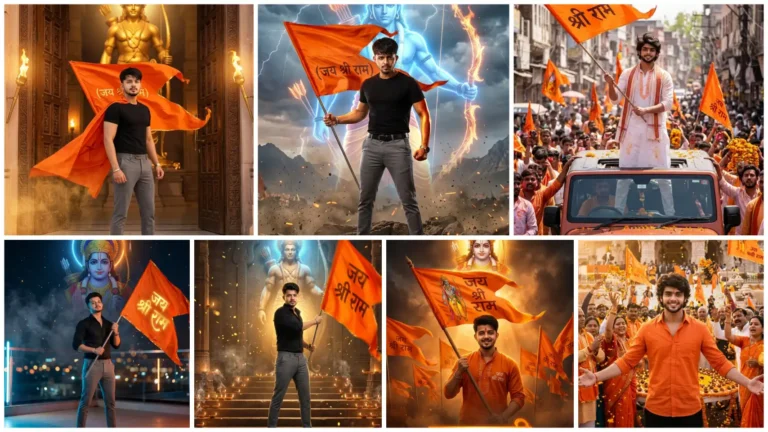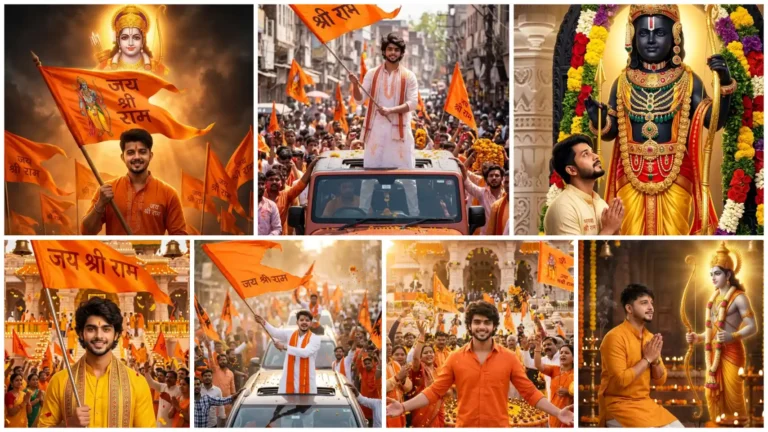
Chaitra Navratri is a sacred and important festival of Hindu religion, which is celebrated with reverence and devotion all over India. It falls every year in Chaitra month (March April). In this Navratri, nine forms of Mata Rani (Navadurga) are worshiped with rituals for nine days. In which the devotees of Mata Rani keep fast for these nine days and worship in the temples.
The last day of this holy festival is celebrated as Ram Navami, on this day Lord Shri Ram was born. For this reason many people also call it Ram Navami. On this day, special worship, bhajan-kirtan and tableaus are organized in temples. And people all over India celebrate it with great pomp and show.
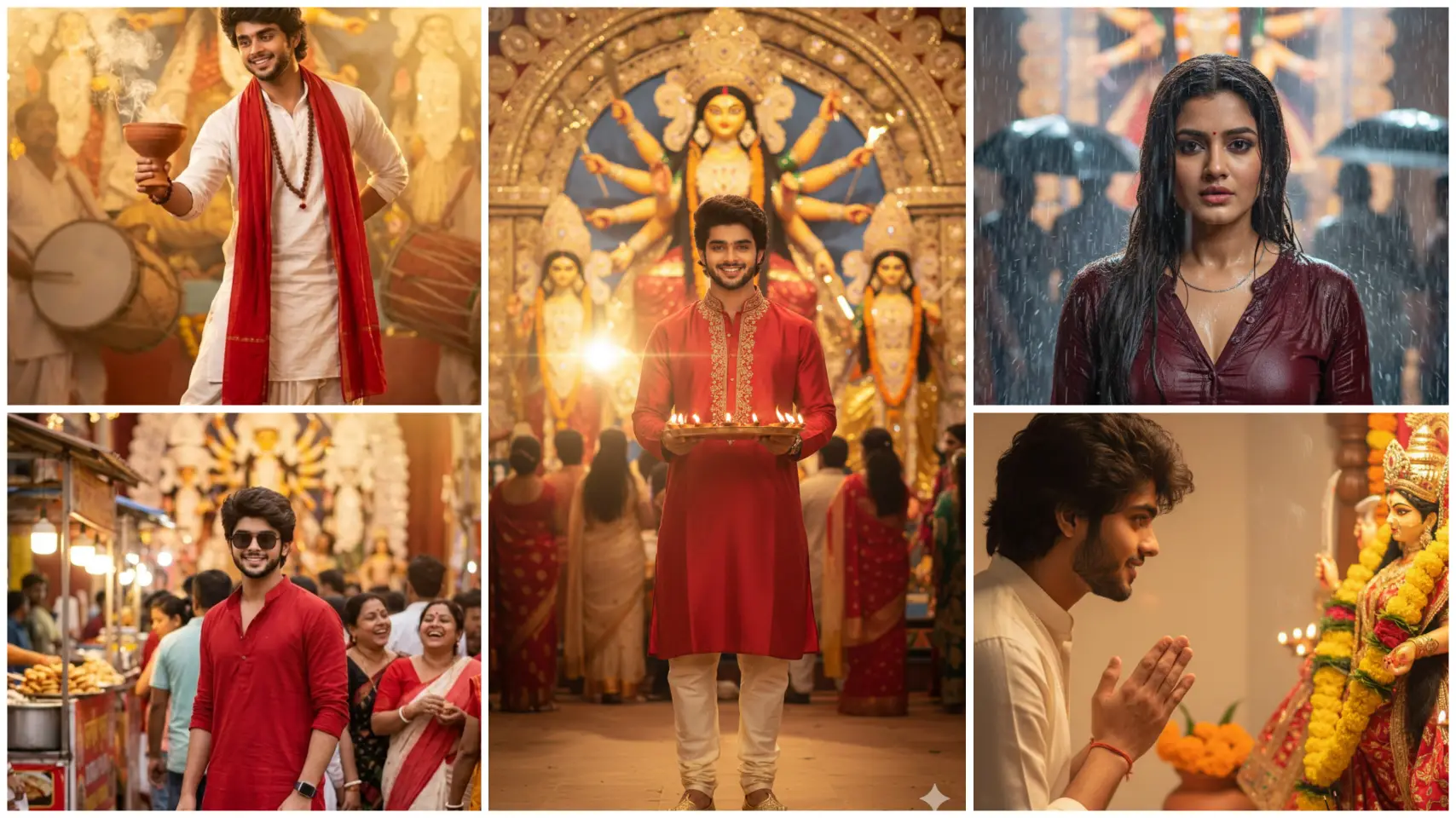
Many people also create AI photos of Navratri and upload them on social media like Facebook and Instagram. Which also goes viral. So today we are going to learn to make some special AI photos of Navratri.
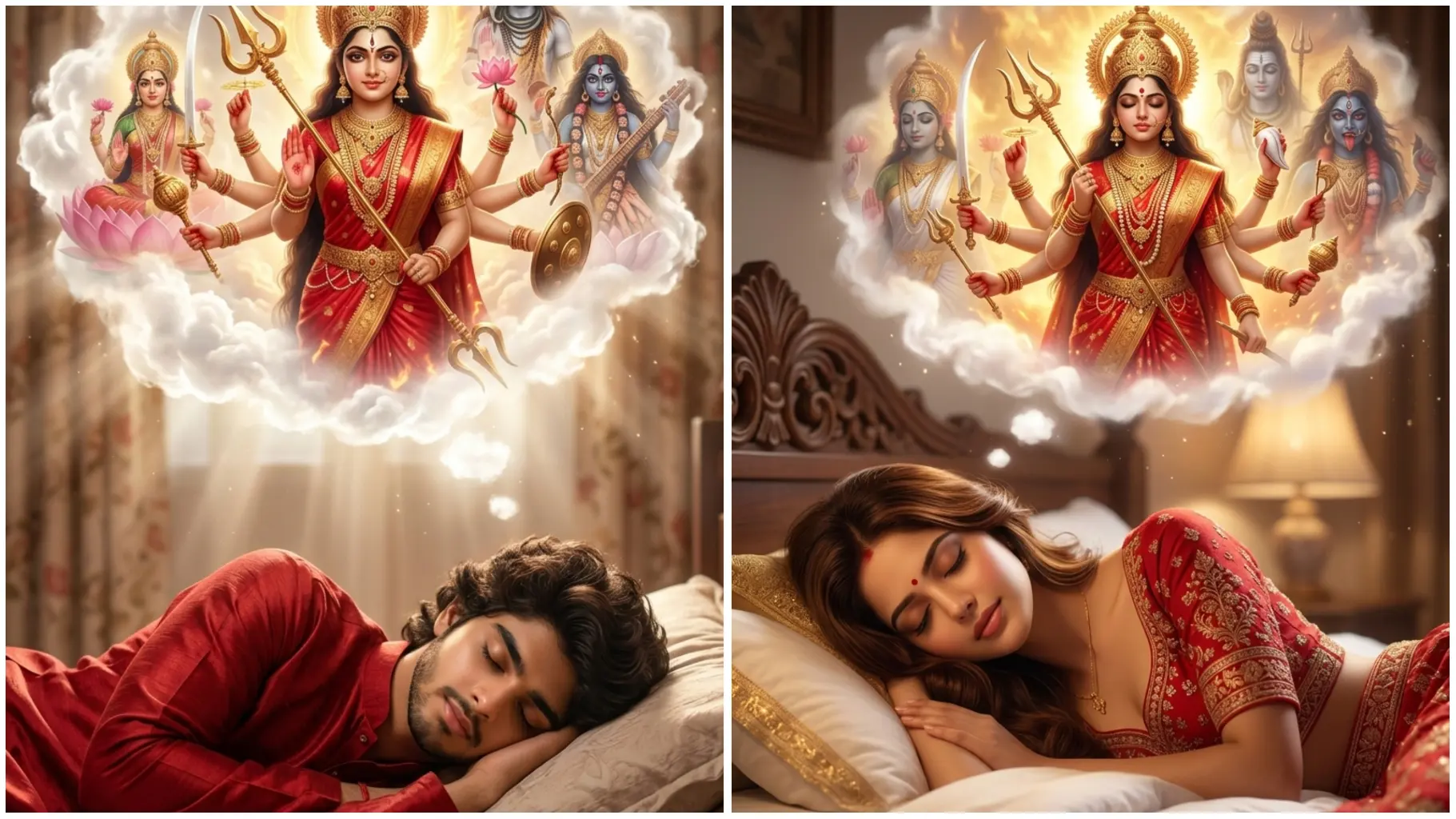
In this AI photo, it is shown that the boy/girl is sleeping and Mother Durga has come in his dream. A few days ago, this photo was going very viral. Therefore, we advise you to make such photos this Navratri.
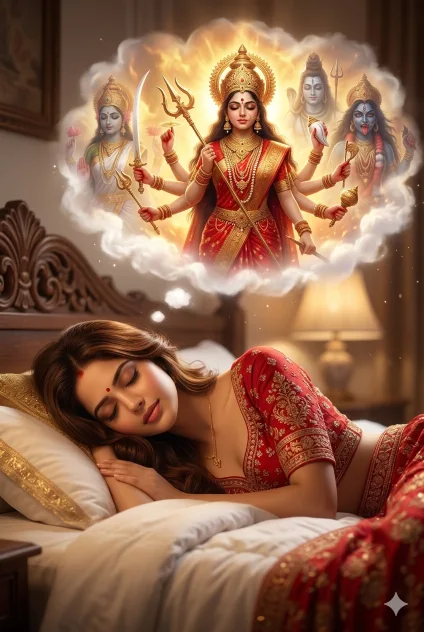
Girl Navratri Dream Ai Photo
I am uploading a girl’s photo. Use the uploaded image as face reference and keep the face 100% exactly the same. Do not change facial features, skin tone, hairstyle, or expression. Maintain real identity and natural look.
Create a cinematic spiritual dream scene: the girl is sleeping peacefully on a bed wearing a red traditional dress in a cozy bedroom with soft warm lighting. Above her, show a glowing dream inside white clouds featuring Goddess Durga with multiple arms holding trishul and weapons, wearing red saree, heavy jewelry, divine crown, golden aura and fire glow background. Add calm and fierce divine forms blended behind her.
Ultra-realistic, fantasy cinematic style, dramatic lighting, volumetric light, 4K, sharp focus, detailed, masterpiece quality.
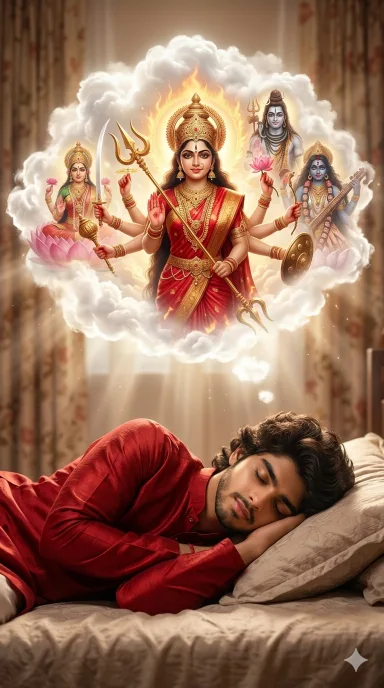
Navratri Dream Gemini Ai Prompt
I am uploading a boy’s photo. Use the uploaded image as face reference and preserve his natural identity and likeness. Do not drastically change facial structure, skin tone, hairstyle, or expression. Maintain a realistic and natural look.
Create an ultra-realistic cinematic spiritual dream scene: the boy is sleeping peacefully on a bed wearing a red traditional kurta in a cozy bedroom with soft warm lighting and slightly blurred curtains in the background.
Above him, inside glowing white divine clouds, show a majestic vision of Goddess Durga with multiple arms holding a trishul and traditional weapons, wearing a red saree, heavy jewelry, divine crown, golden aura, and subtle fire glow background. Add calm and fierce divine forms artistically blended behind her in the clouds.
Fantasy realism, dramatic cinematic lighting, volumetric light rays, 4K resolution, ultra-detailed, sharp focus, smooth blend between dream and reality, masterpiece quality.
Prompt Explanation
- 100% Exactly the Same – Meaning there should be no change in the face – like eyes, nose, lips, skin, tone, expression, everything should remain exactly like the original photo.
- Cinematic Scene – There should be a scene which looks dramatic and high quality exactly like a film.
- Spiritual Dream Scene – A spiritual dream scene where the girl or girl is sleeping and she is having a dream of Maa Durga.
- Soft Warm Light – A light lamp or night light that makes the scene look calm and beautiful.
- White Clouds – The dream is visible inside white clouds.
- Golden Aura – Golden divine light is visible around Maa Durga Ji.
- Ultra Realistic – This means that the photo should look completely real.
- 4k – This keeps the photo in very high resolution and clear quality.
- Sharp Focus – This makes all the details in the image clearly visible.
How To Create Navratri Dream Ai Photo By Copy Pasting Prompt In Google Gemini?
It is very easy to create Navratri Dream Ai Photo or any ai photo in gemini with the help of prompt, using a good prompt a professional photo can be made in just one click. By reading the steps given below, you can create your AI photo very easily.
- Copy your favorite prompt.
- Tap the “Create Image With Gemini” button.
- Now upload your best photo by tapping on the plus icon (+)
- Now paste the prompt and send it.
- AI photo will be created in some time.
Conclusion
In this way you can transform a simple photo into a cinematic and professional look with the help of AI. By giving the right prompt to AI, it becomes easier for AI to understand and your photo becomes wonderful and professional. The special thing about this prompt is that it says to keep the face 100% original, due to which the photo looks absolutely real and natural. If you also want to make this kind of creative photo, then you can use this prompt.