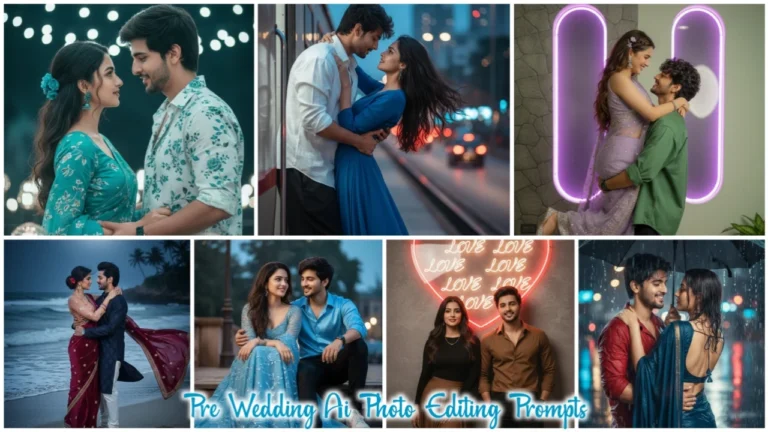
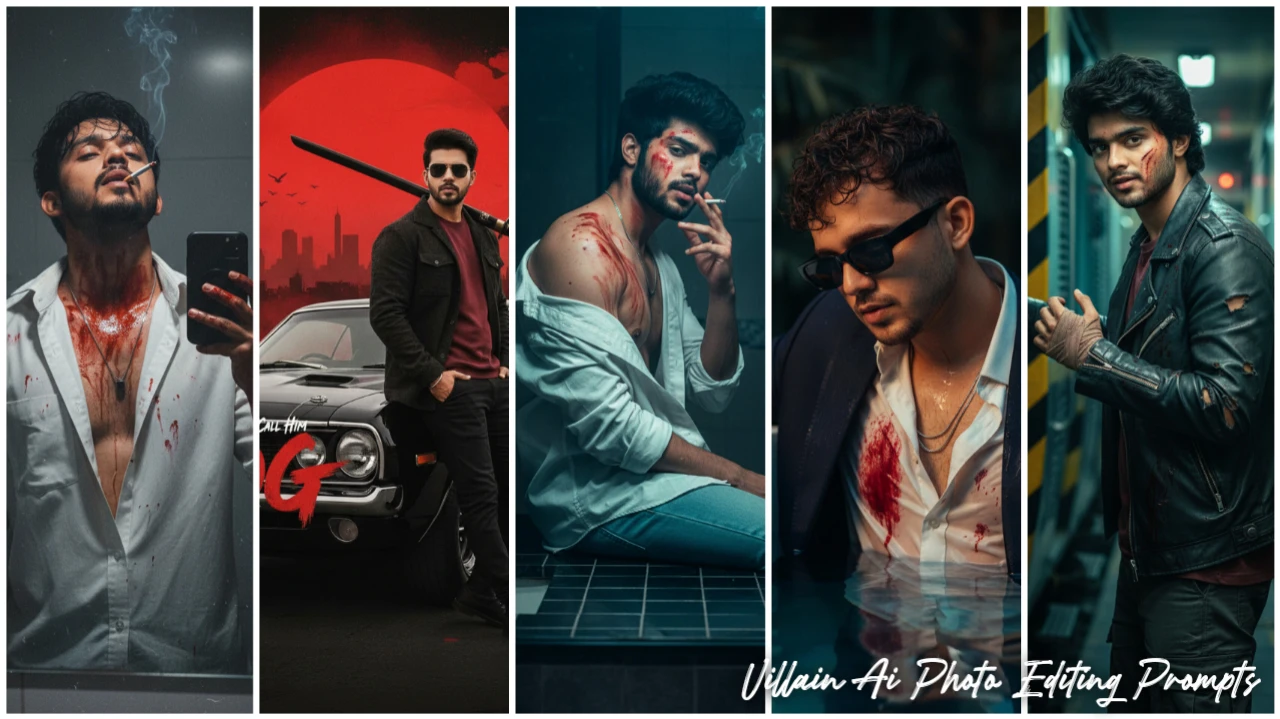
Google Gemini is not just a photo editing tool but it is an advanced AI image creation tool of today’s time. If you have a simple photo and want to make it great and unique, then you can create amazing images using Gemini’s prompts. In this you can create cinematic scenes, artwork, branded images or any photo as per your imagination.
In this article I have shared with you a prompt to create a trending villain AI photo. It has also been told how you can make such a photo. It is very easy to create this photo, it is very easy to create such an image, I will explain everything to you step-by-step in this article. So read this article carefully till the end.
Villain Ai Prompts
Friends, to make any photo, to get good results, you will have to explain Google Gemini well about the program so that it can give you good results. For example, if we want to make a good photo, just uploading a photo and saying “make this photo better” won’t do it.
Google gemini will not understand properly what to do. And he will make the photo as per his wish. You will have to write the prompt in detail so that Google Gemini can understand it well and make your photo look great. But to write a good prompt, you will have to work very hard but don’t worry, we always keep bringing best prompts for you.
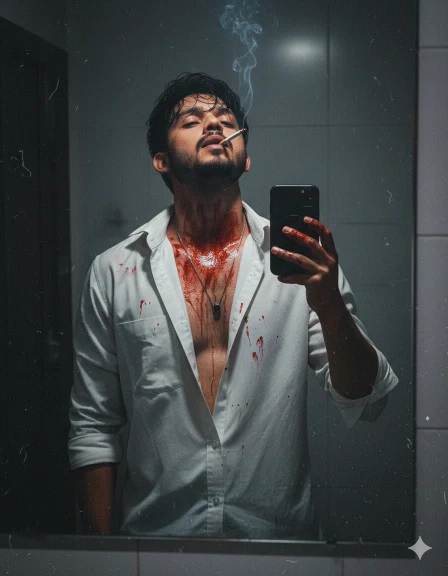
Villain Ai Photo
A realistic vertical mirror selfie of this young man with messy, dark, slightly wet hair.
He is wearing a unbutton white shirt. His face, neck, chest, and arms are covered in realistic-looking red stains and smears. He has a silver chain necklace, Cigarette smoking. He is tilting his head back to show his jawline. The lighting is indoor and moody.
Don’t change the face
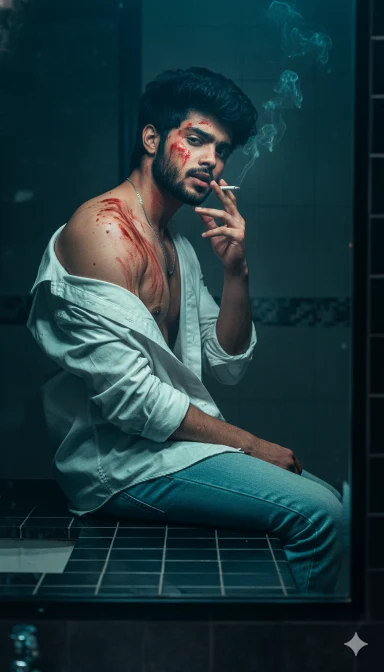
Villain Ai Photo Editing
Ultra-realistic 8K vertical mirror selfie photograph, portrait aspect ratio 1664×2080. An 18-year young handsome man with a slim skinny body, lean physique, narrow shoulders and waist, youthful proportions, captured in a COMPLETELY NEW pose with strong attitude. He is seated sideways on a bathroom counter or low surface, torso slightly turned away from the mirror while his head turns back over his shoulder to face his reflection, creating a sharp over-the-shoulder jawline profile. One elbow rests on his knee, hand loosely holding a cigarette near his mouth, smoke drifting upward naturally; the other hand is relaxed on his thigh. Messy dark hair looks slightly wet and naturally separated. He wears an unbuttoned white shirt slipping off one shoulder, realistic fabric texture and gravity-driven folds visible. His face, neck, chest, and arms are covered with realistic red stains and smears, ir irregular and organic, blending into into natural skin pores and imperfections. A thin silver chain
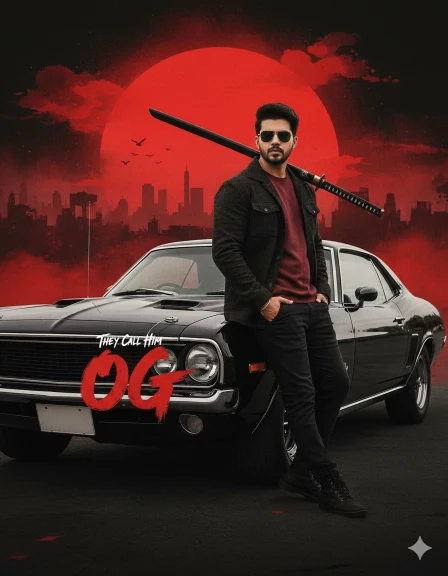
Go Villain Ai Photo
Create a cinematic movie poster featuring a stylish fit young man (same facial features as uploaded) leaning casually against a black vintage car, holding a kattana on his shoulder. He wears a dark jacket over a maroon shirt, dark trousers, and sunglasses, exuding a cool and confident attitude. Behind him, the background blends Japanese-inspired ink wash art with dramatic red and black tones. A giant red sun dominates the sky, painted in a bold, textured brushstroke style, with the silhouette The movie title brush strokes text ‘OG’ is written in the same font style, stylized red letters, as it is in the poster on the front of the vintage black car, with ‘They Call Him’ in smaller text above it. The background is a light, hazy sky with hints of a city skyline and a few birds are visible in the distance, suggesting an outdoor setting
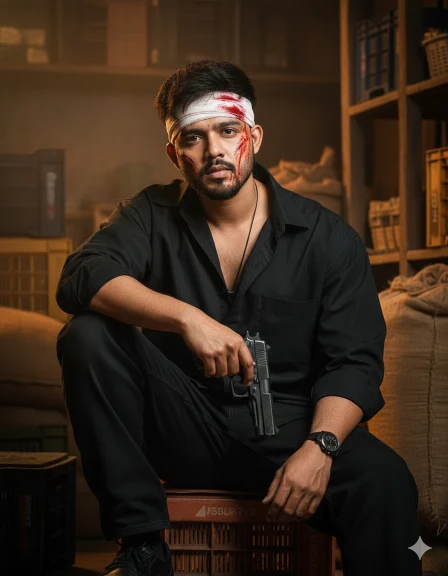
Gun With Villain
Ultra-realistic cinematic portrait a young Indian man 100% same. He is sitting attitude hungry, one arm resting behind his head, wearing a oversized black shirt, black baggy Jean’s, and black shoes. Rural market or storage-area background with warm earthy tones,add a gun left hand hold, hungry, face blood, head white blood bendeg
How Does Google Gemini Ai Make Editing Different?
Friends, you know very well that Google Gemini is a unique Ai editing tool, which understands the context of your photo. For example, when you tell Google Gemini what changes you want in the photo or what kind of photo editing you want, it understands those nuances carefully. It keeps everything completely natural and realistic, including facial features, hair, eyes, beard. And then gives you the result.
How To Create Villain Ai Photo Using Prompt In Google Gemini?
Friends, it is very easy to create villain AI photo by using prompt in Google Gemini. You can create your image very easily by reading the steps given below.
- First of all, choose your favorite Prompt from this website and copy.
- Now open Google Gemini in mobile app or browser and Sign In with your Gmail.
- Now click on the below (+) button and upload your photo (Photo should be clean and clear photo).
- Then paste the Prompt in the text box and send it.
- Now you have to wait for some time and your image will be created, after making the image you can download it.